Set FQDN for Web Access
You can restrict access to the Device42 Main Appliance to a specific FQDN, preventing access via IP address or any other hostname or domain. This page covers how to configure the FQDN restriction.
Configure the FQDN Restriction
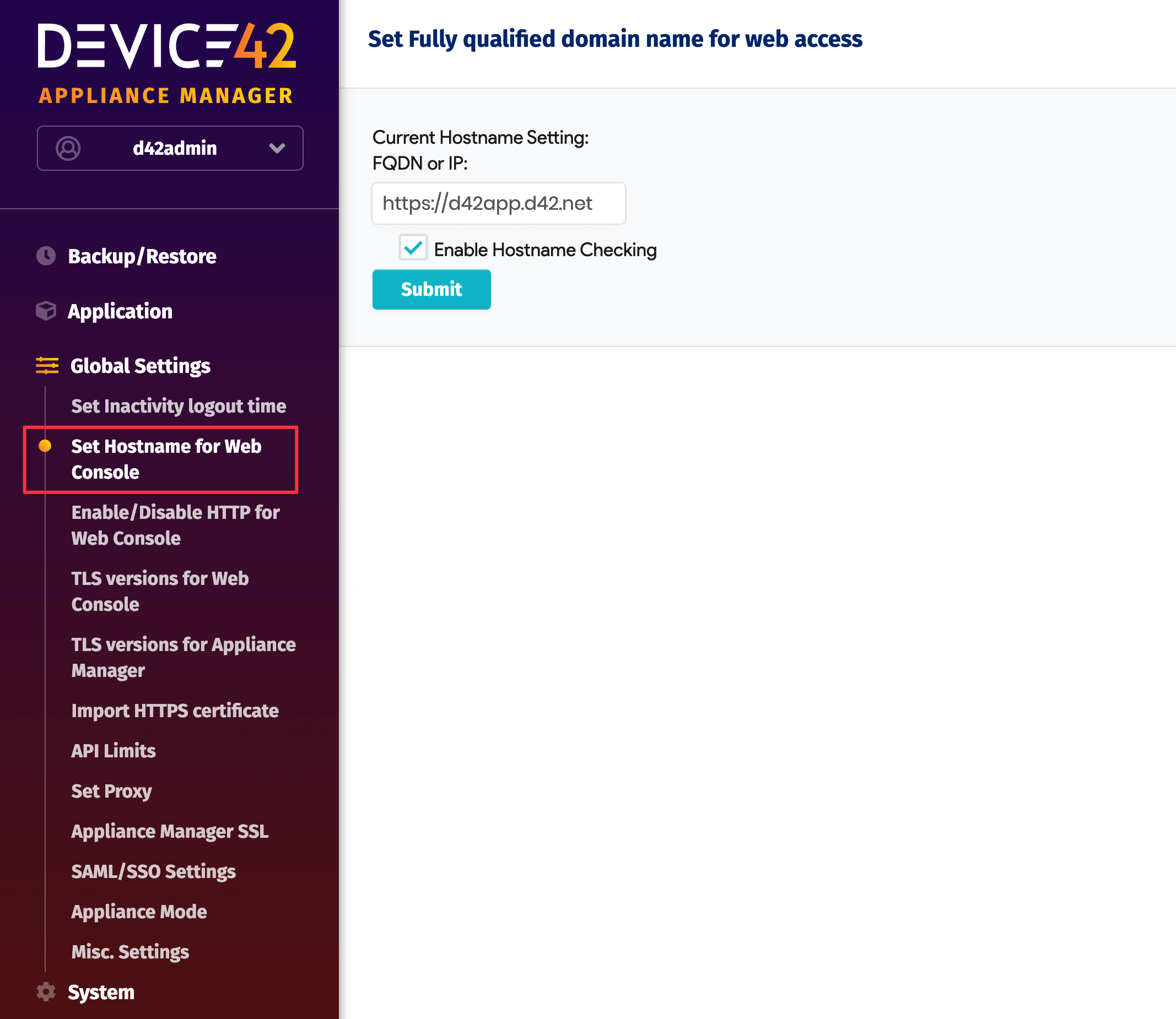
Log in to the Appliance Manager and navigate to Global Settings > Set Hostname for Web Console.
Enter the FQDN you want to use, check Enable Hostname Checking, and click Submit.