Generating IPMI Output for Troubleshooting
You can collect Intelligent Platform Management Interface (IPMI) output for a device directly from the Appliance Manager and send the output to support for troubleshooting. This page covers how to generate the IPMI output.
Collect IPMI Output
Log in to the Appliance Manager and navigate to Application > Generate IPMI Output.
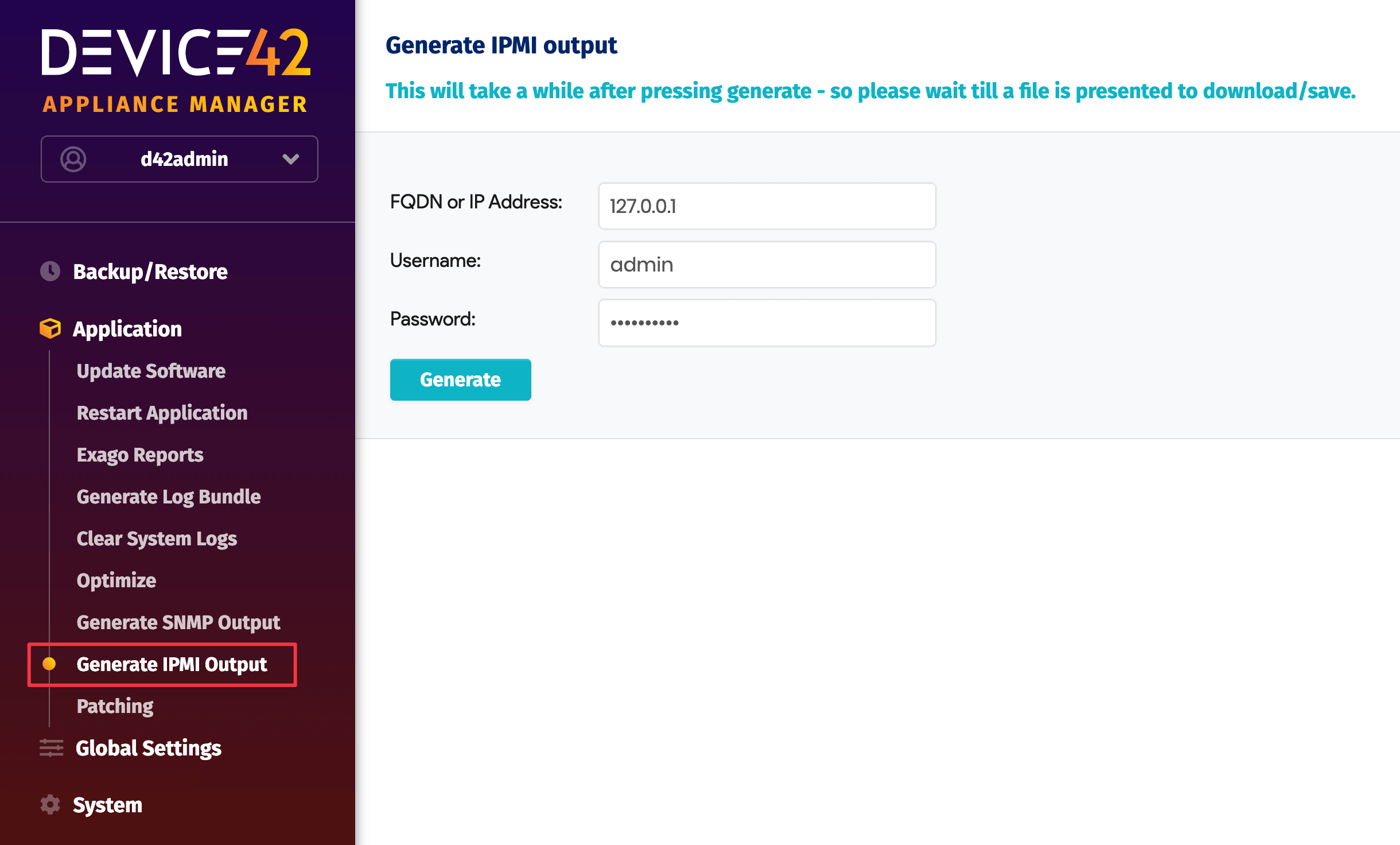
Enter the FQDN or IP Address, Username, and Password, then click Generate. The file takes a few minutes to generate. Once downloaded, send the file to support.