Custom Column Views
Custom column views let you control which columns appear on any list page in Device42, along with their order, width, and filter settings. This page explains how to create and save custom column views and set them as defaults for yourself or other users.
Create a Custom Column View
To add a custom column view, navigate to a list page, such as Resources > Compute > All Devices.
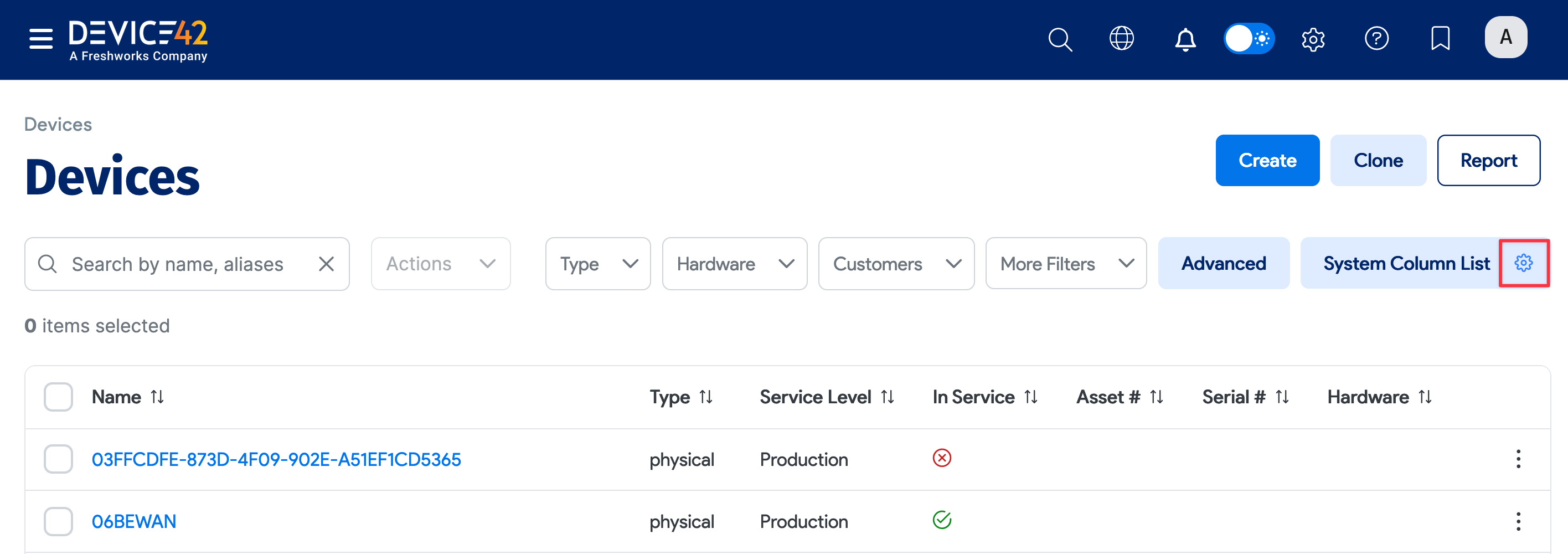
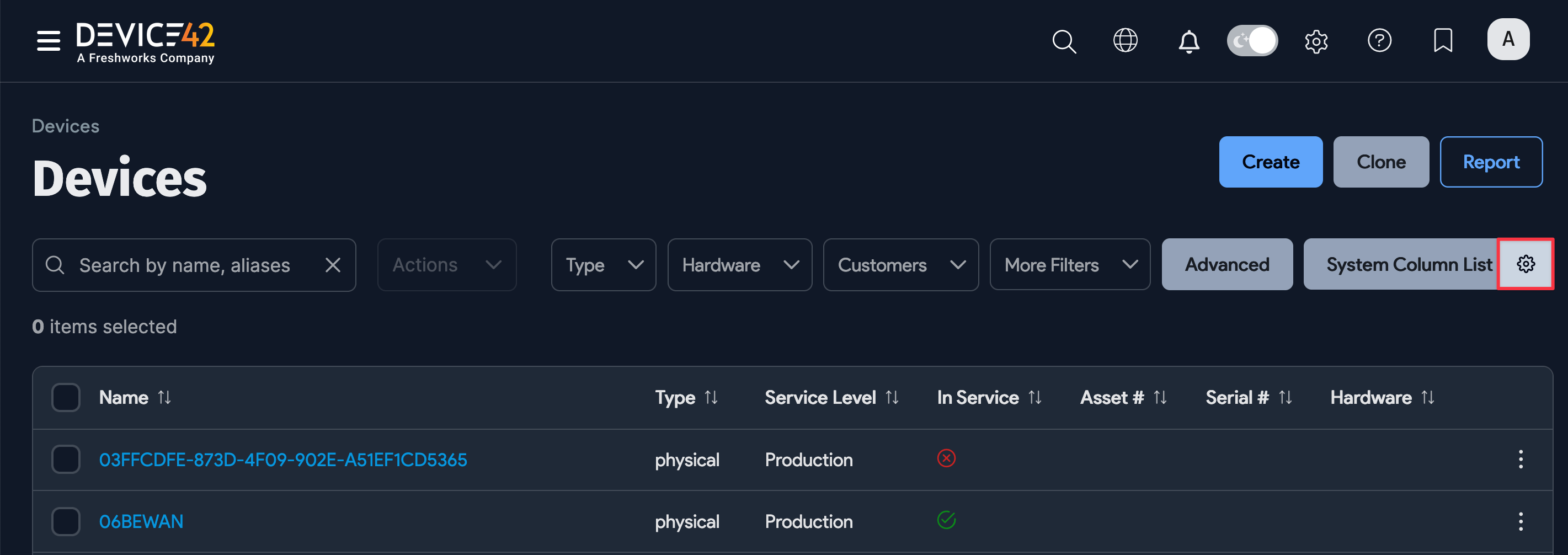
Click the gear icon on the far right of the screen, to the right of the current view name. The default view is System Column List.
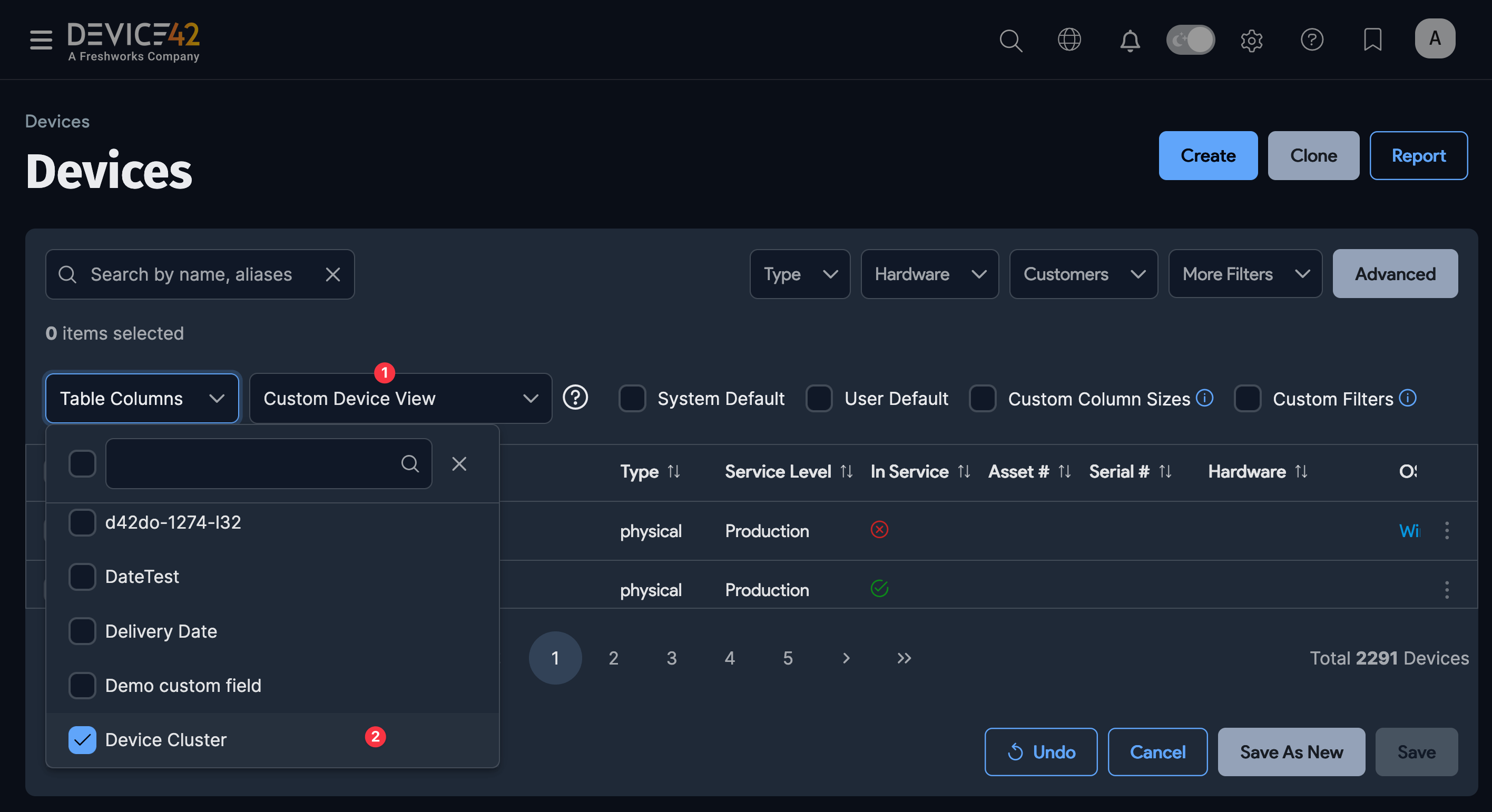
In the dialog, name the new view (1), click the Table Columns dropdown, and select (2) and deselect the columns you want.
Check the System Default checkbox to set this view as the default for all users, or check User Default to set it as the default for your own account only.
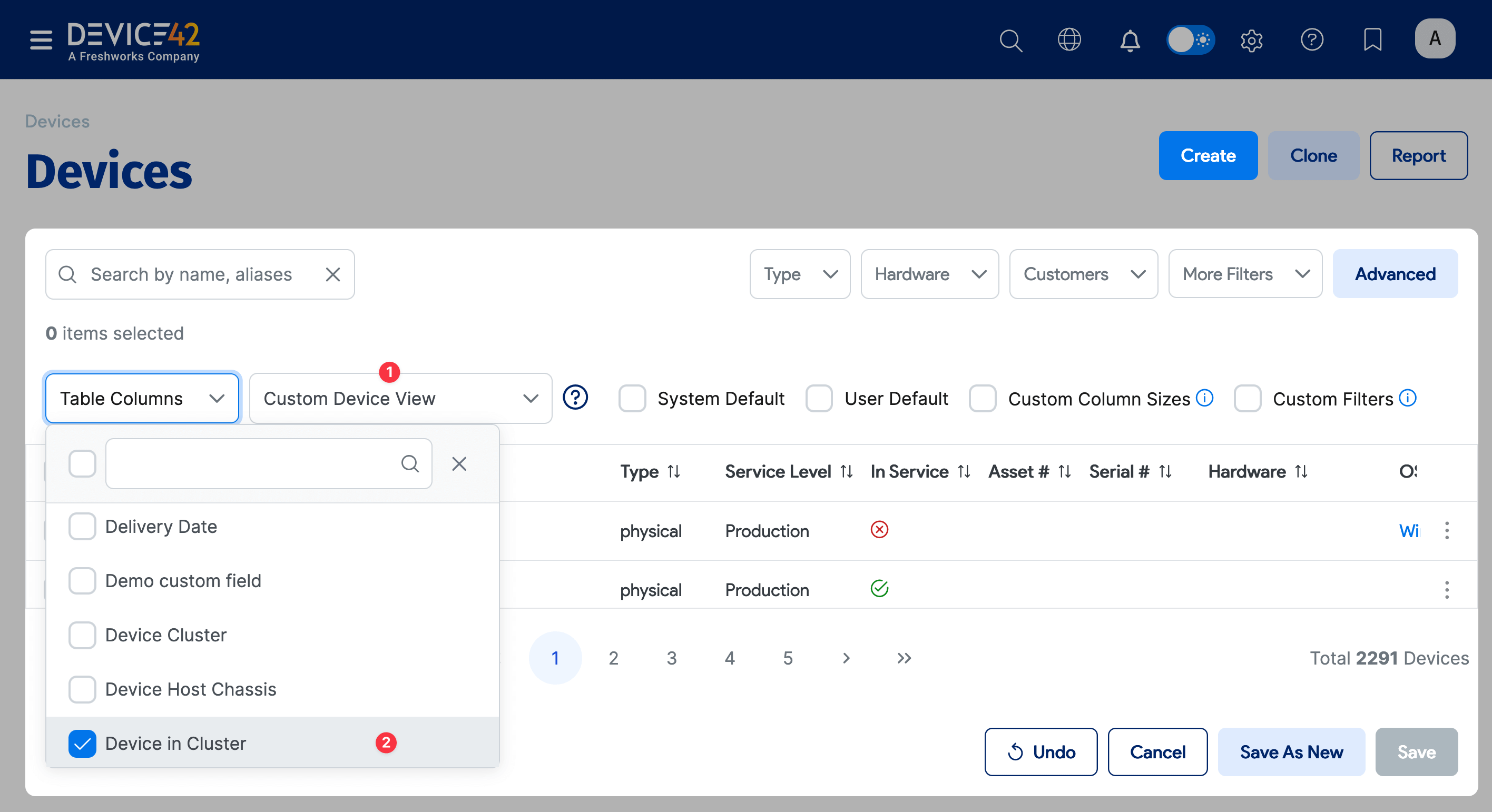
Reorder the columns by clicking and dragging column headings to a new position. Adjust column widths by dragging the column edges, and save the desired column widths to the view by checking the Custom Column Sizes checkbox.
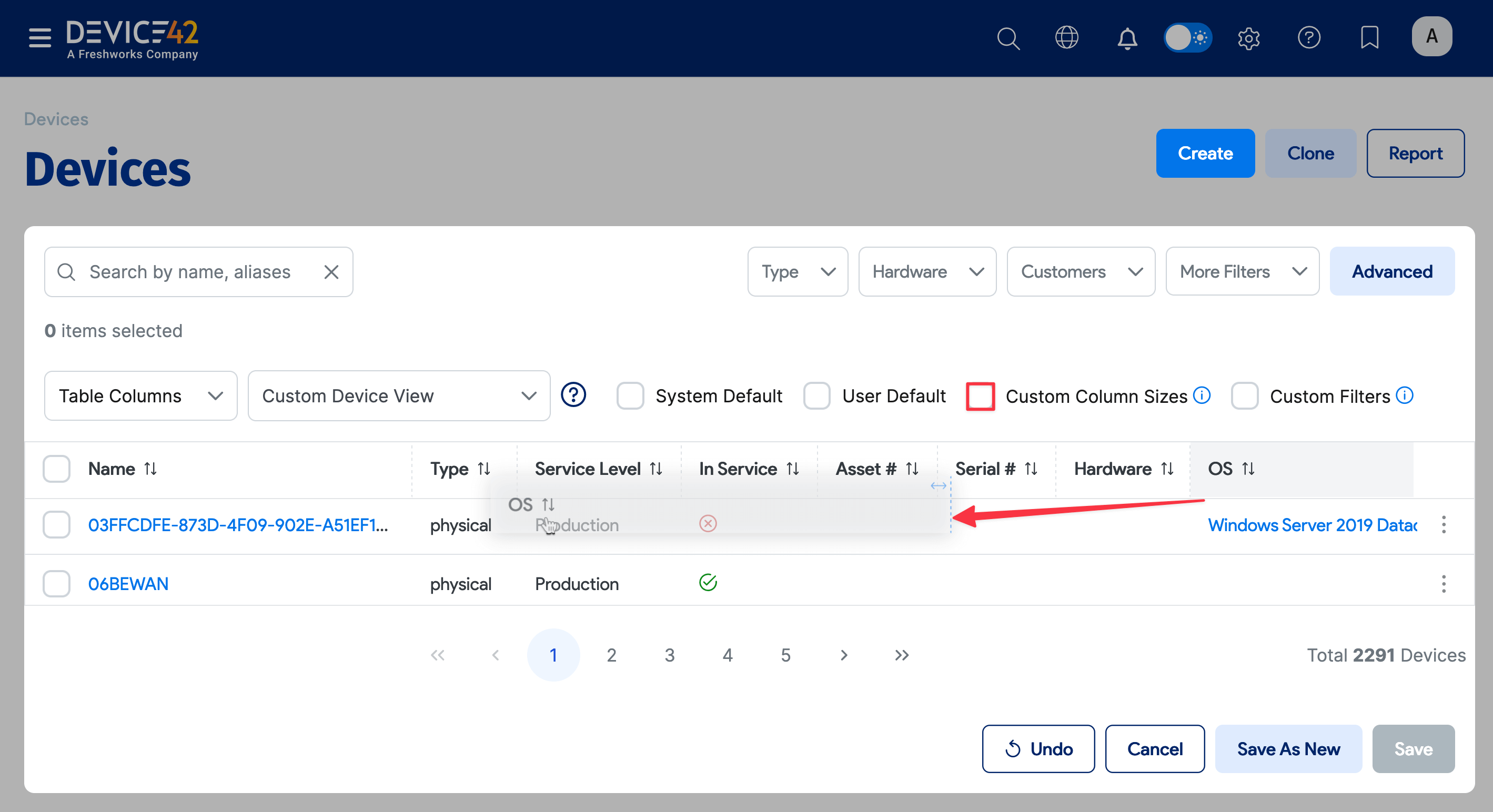
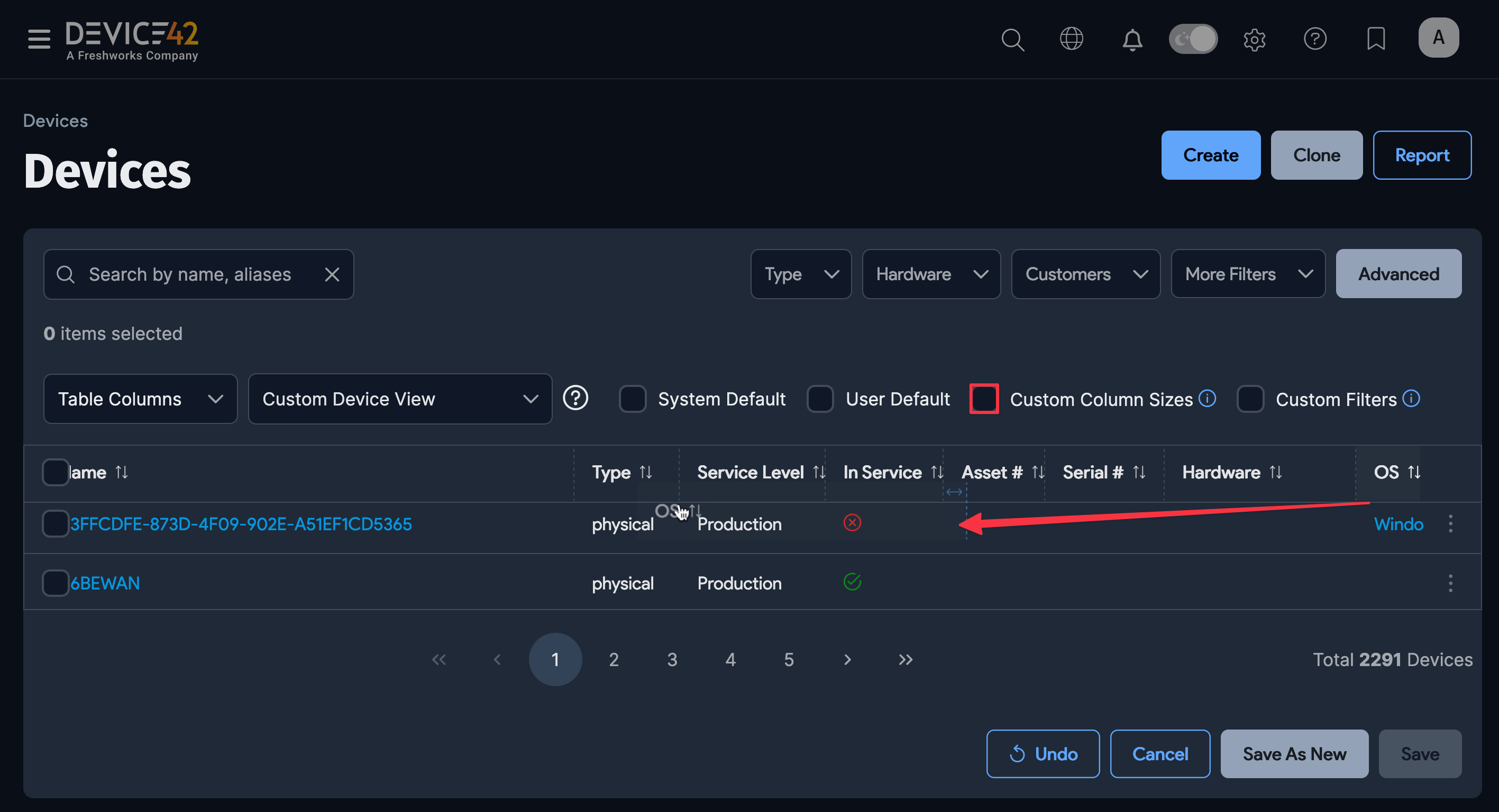
Check the Custom Filters checkbox to save the currently configured filters. Filter the records for this view using the basic dropdown filters or the Advanced search feature for more fine-grained control.
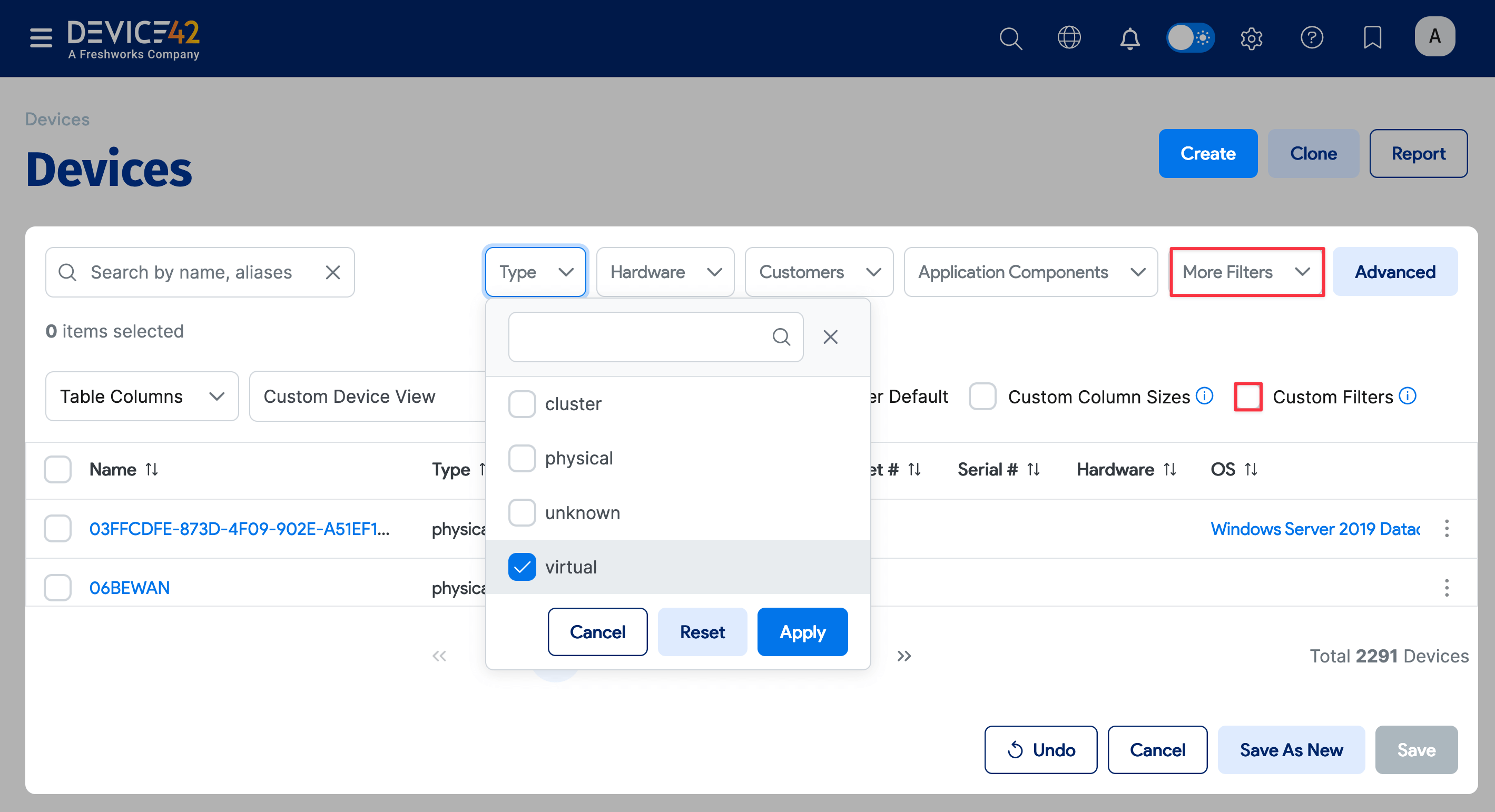
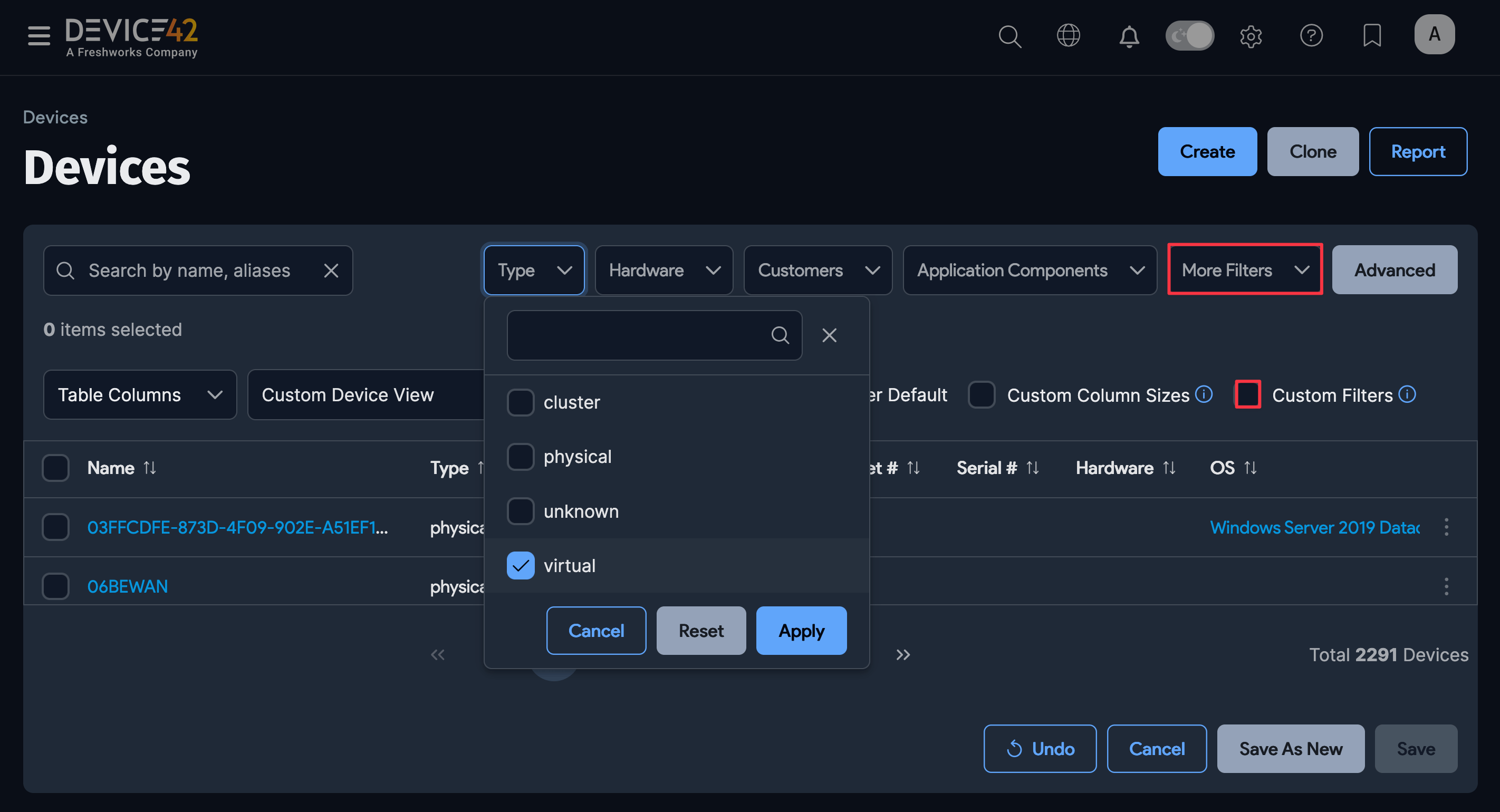
Clicking the Advanced button reveals a text box where you can query specific field values using conditionals and equality selectors. See the Advanced Search Feature page for details.
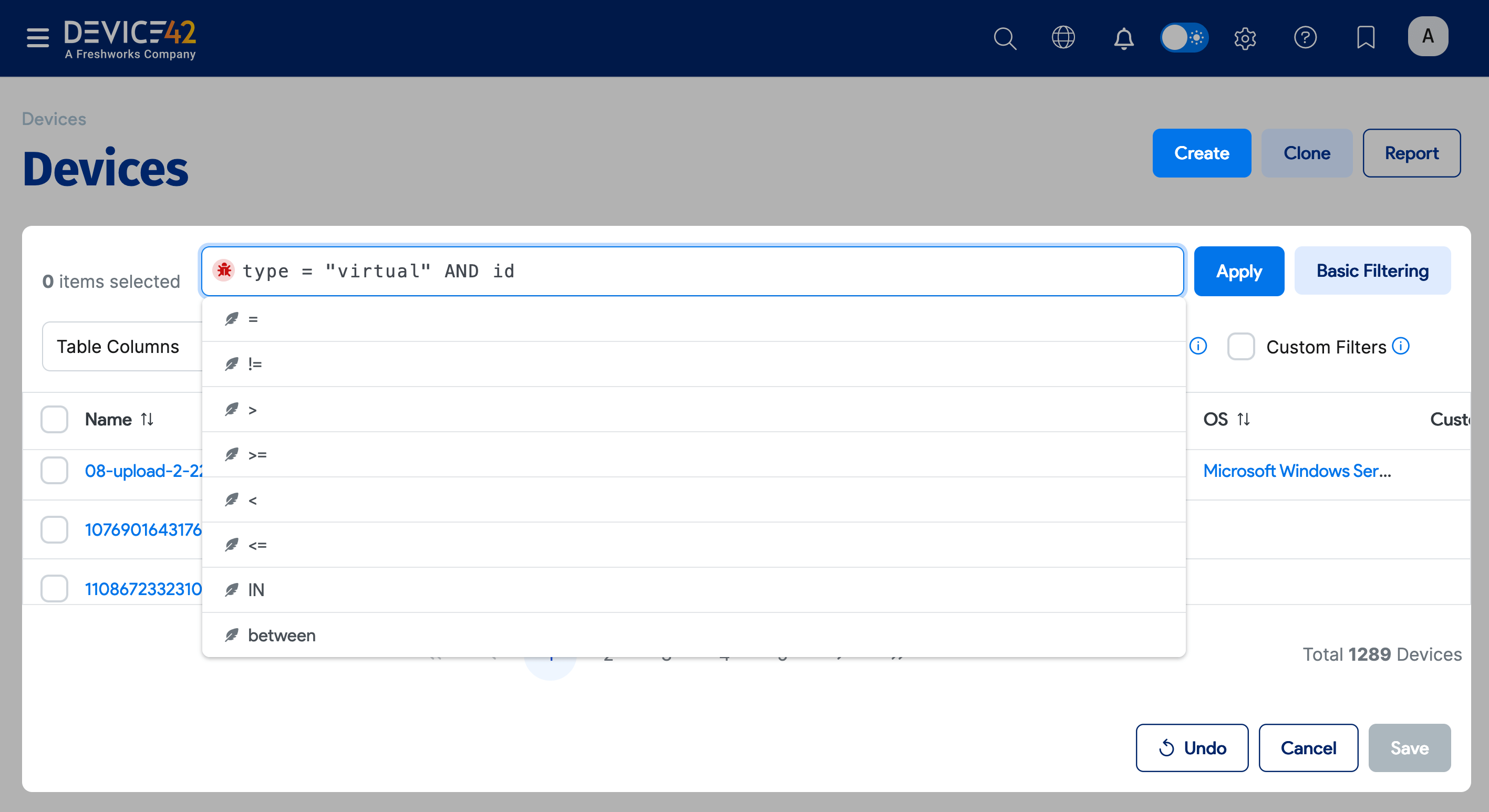
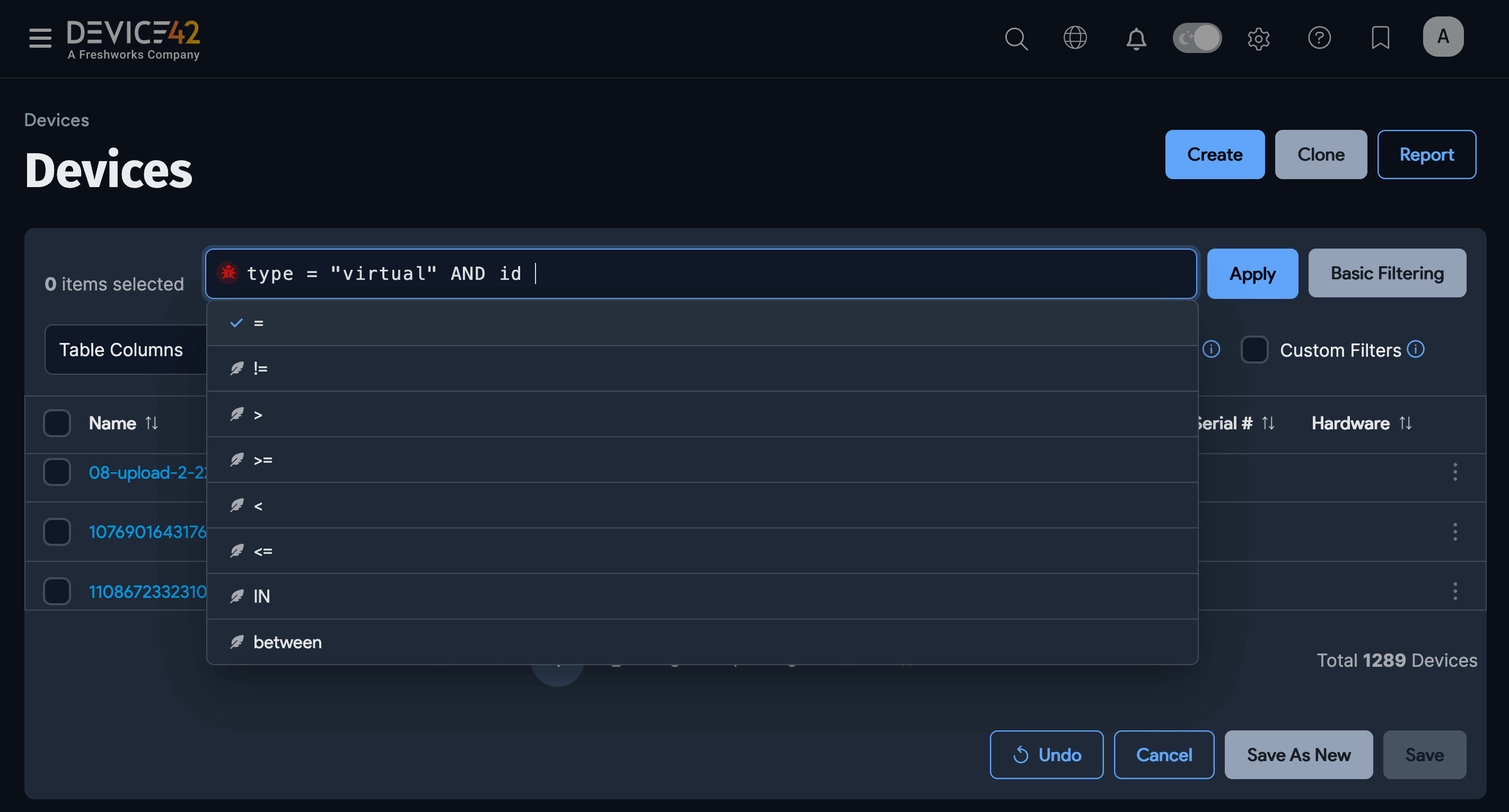
Click the Save As New button to return to the list page with the new view applied.
Customizable List Pages
Customizable column views are available on all list pages, including:
| Application Components | IP Addresses | Software In Use |
| Assets | IP Nat/Maps | Software Licensing Models |
| Blade Devices | MAC Addresses | Subnets |
| Buildings | Operating Systems | Switch Ports |
| Certificates | Other Devices | Telco Circuits |
| Cluster Devices | PDUs | Transfers |
| Customers | Purchases | Unknown Devices |
| Departments | QR/Barcodes | VLANs |
| Device Hardware Models | Racks | VRF Groups |
| Devices | Rooms | Vendors |
| DNS Records | Service Instances | Virtual Devices |
| DNS Zones | Service Ports | |
| End Users | Service Schedules |