Setup and Troubleshooting Menu
The Device42 console menu provides low-level access to appliance settings, network configuration, and maintenance tasks without requiring access to the web UI. This page describes the options available in the console menu.
The Device42 Appliance Management menu appears when you log in to the Device42 Virtual Machine:
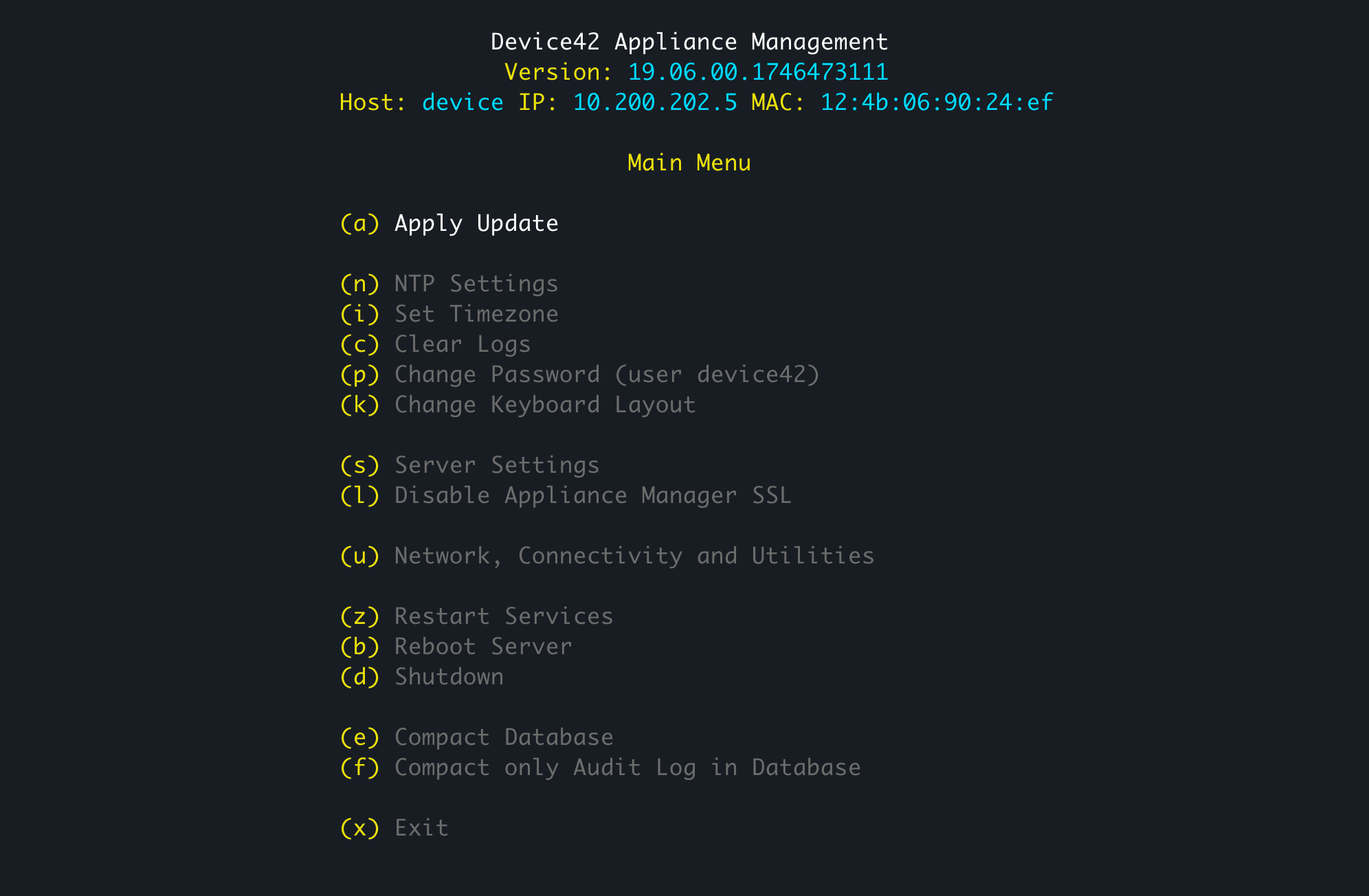
The menu options are:
     (a) Apply Update

     (n) NTP Settings
     (i) Set Timezone
     (c) Clear Logs
     (p) Change Password (user device42)
     (k) Change Keyboard Layout

     (s) Server Settings
     (l) Disable Appliance Manager SSL

     (u) Network, Connectivity and Utilities

     (z) Restart Services
     (b) Reboot Server
     (d) Shutdown

     (e) Compact Database
     (f) Compact only Audit Log in Database

     (x) Exit
The Change Password option (p) changes the password for the device42 OS user account on the virtual machine.