Licensing
Device42 licenses are valid for one year from the date of purchase. To continue using Device42 after the license expires, contact support about renewing it.
This page answers common questions about finding, applying, and managing your Device42 license.
Find Your License Information
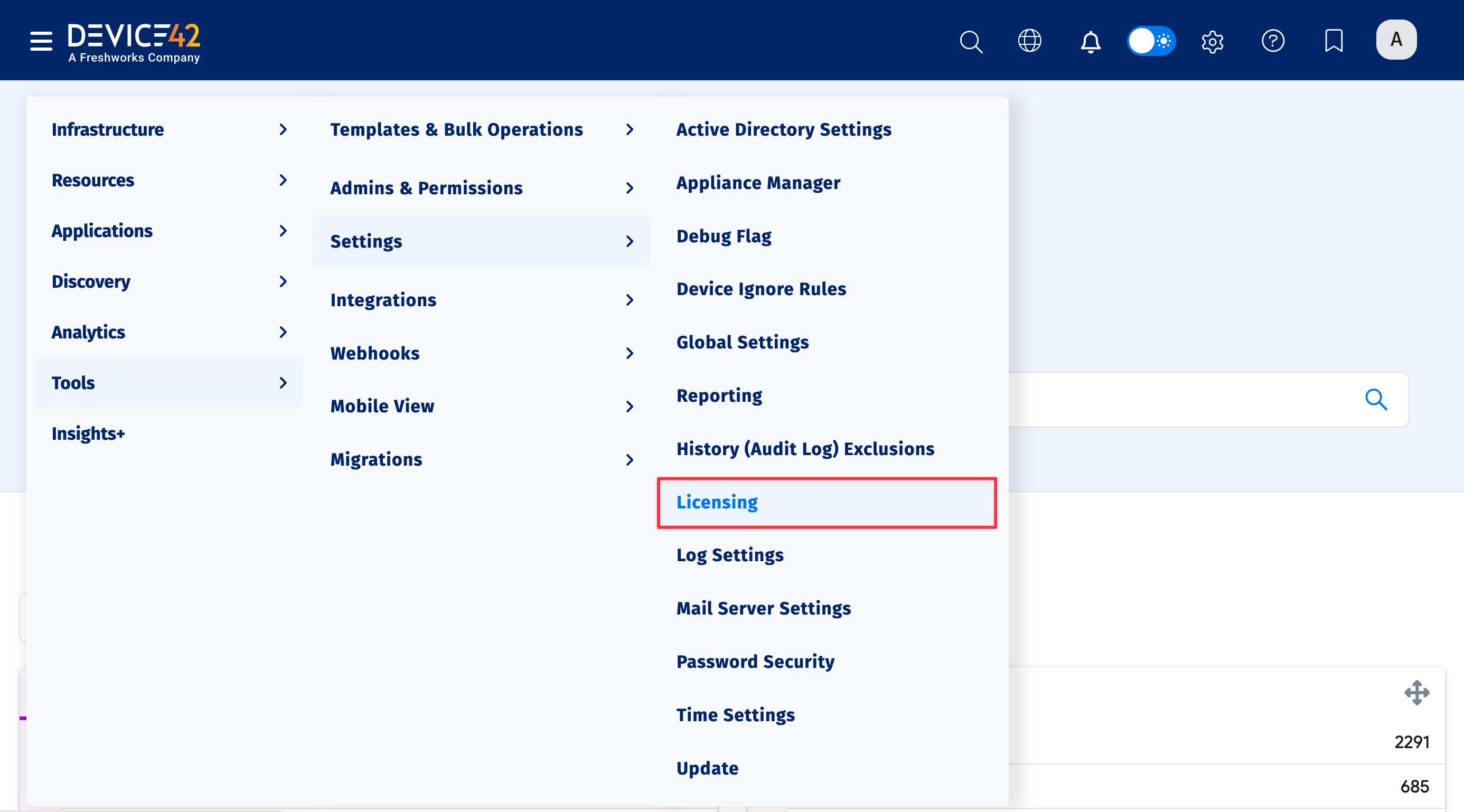
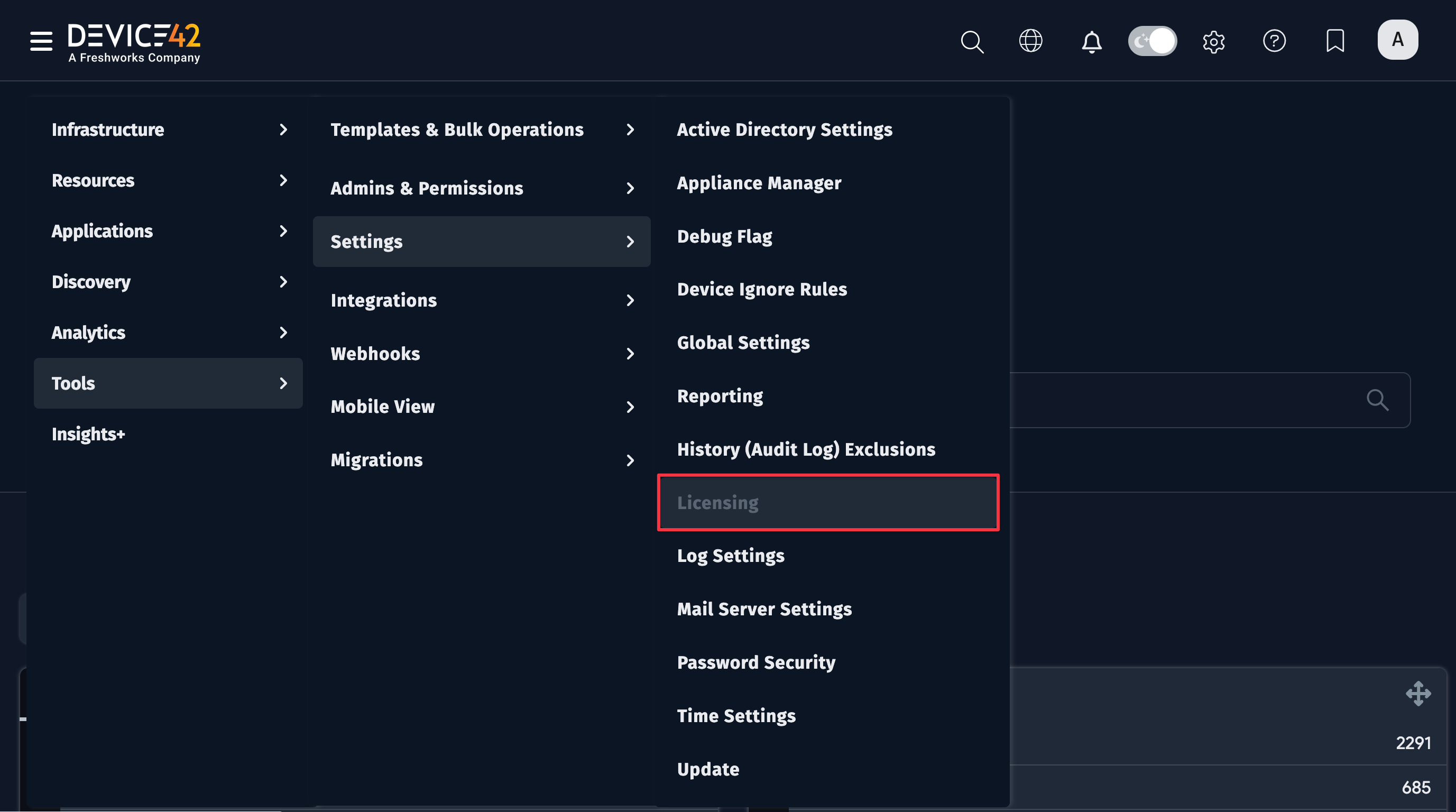
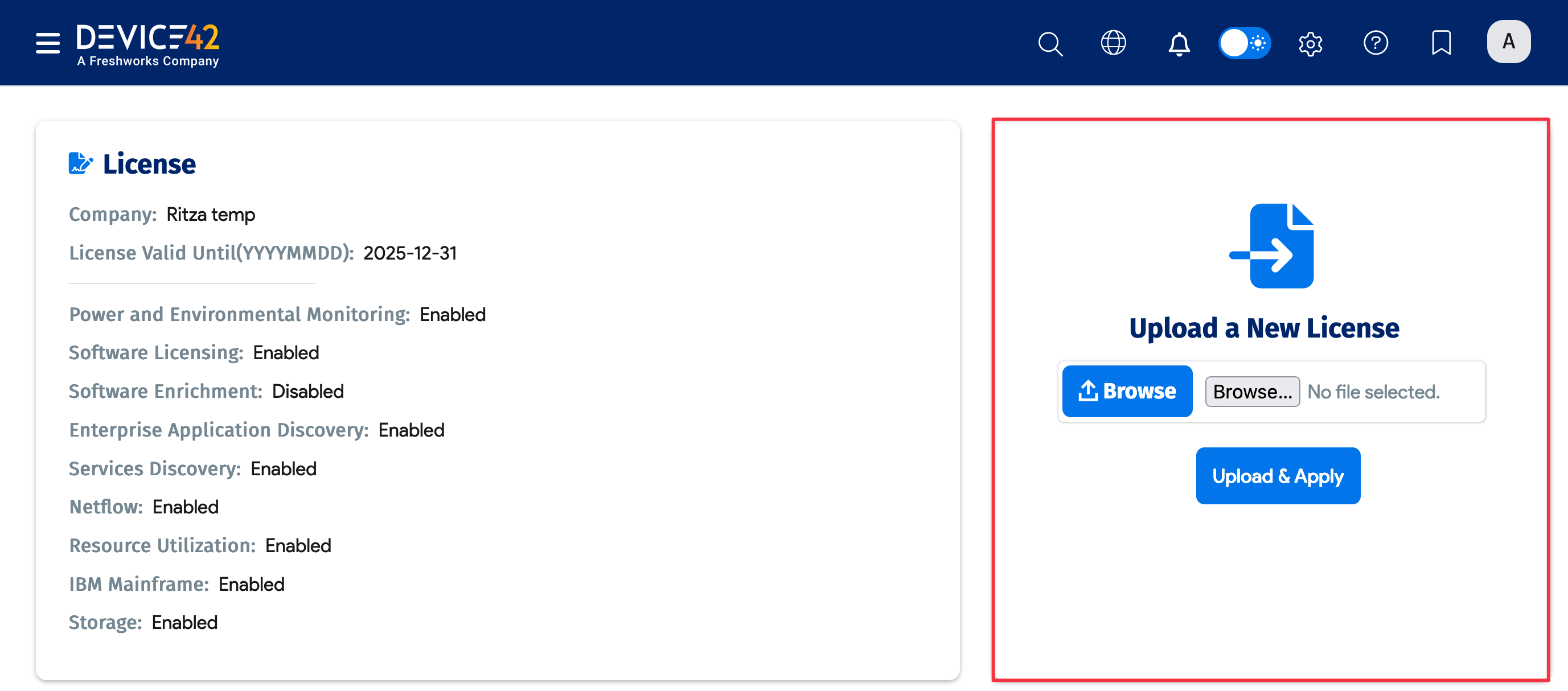
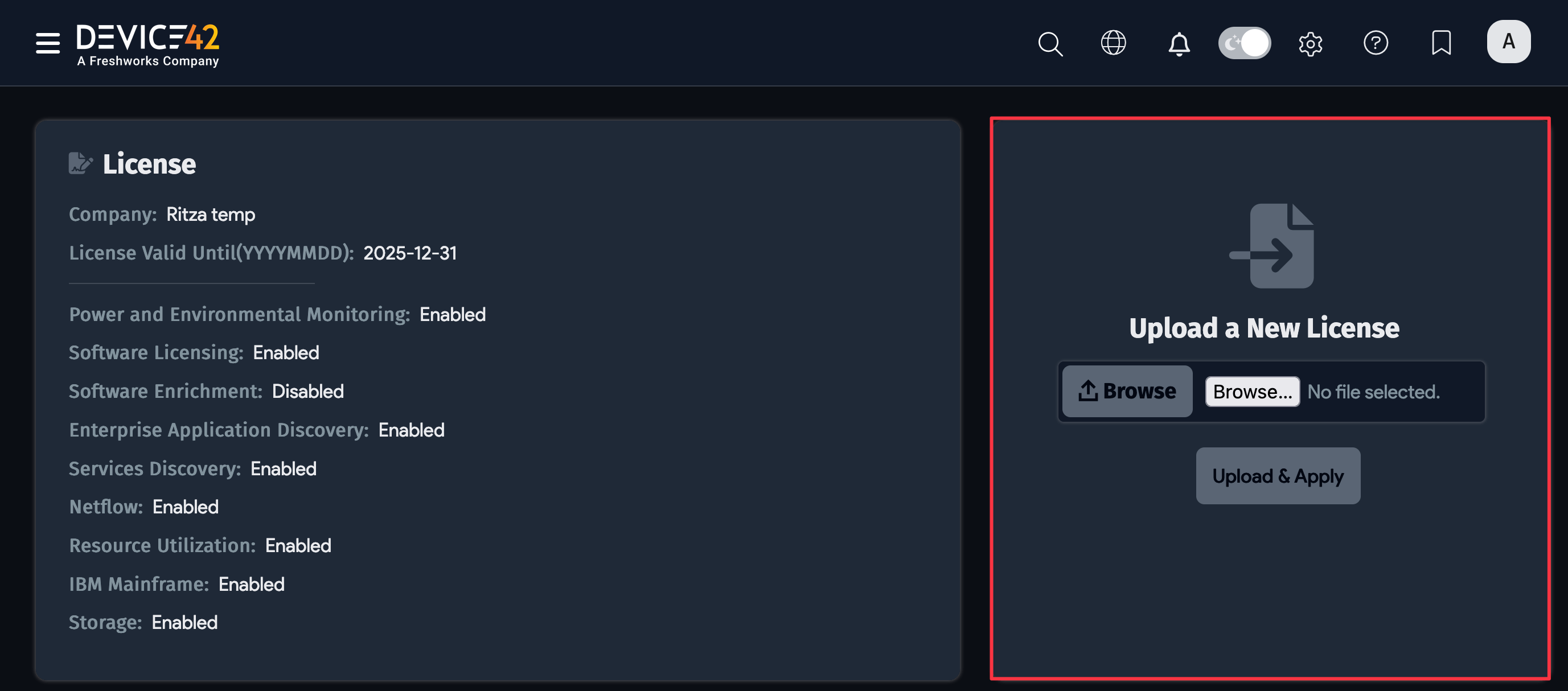
To see your current Device42 licenses, navigate to Tools > Settings > Licensing from the main menu.
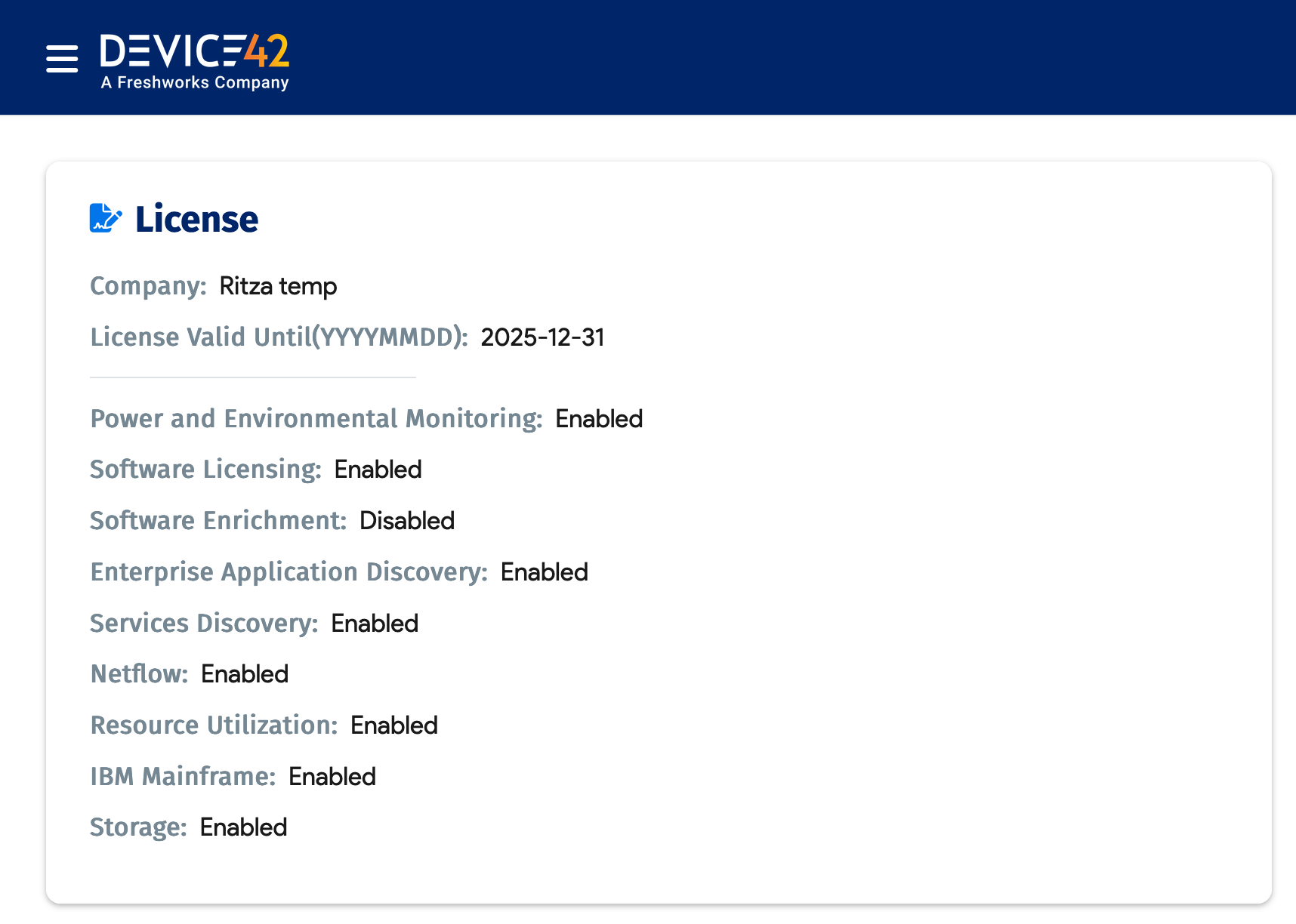
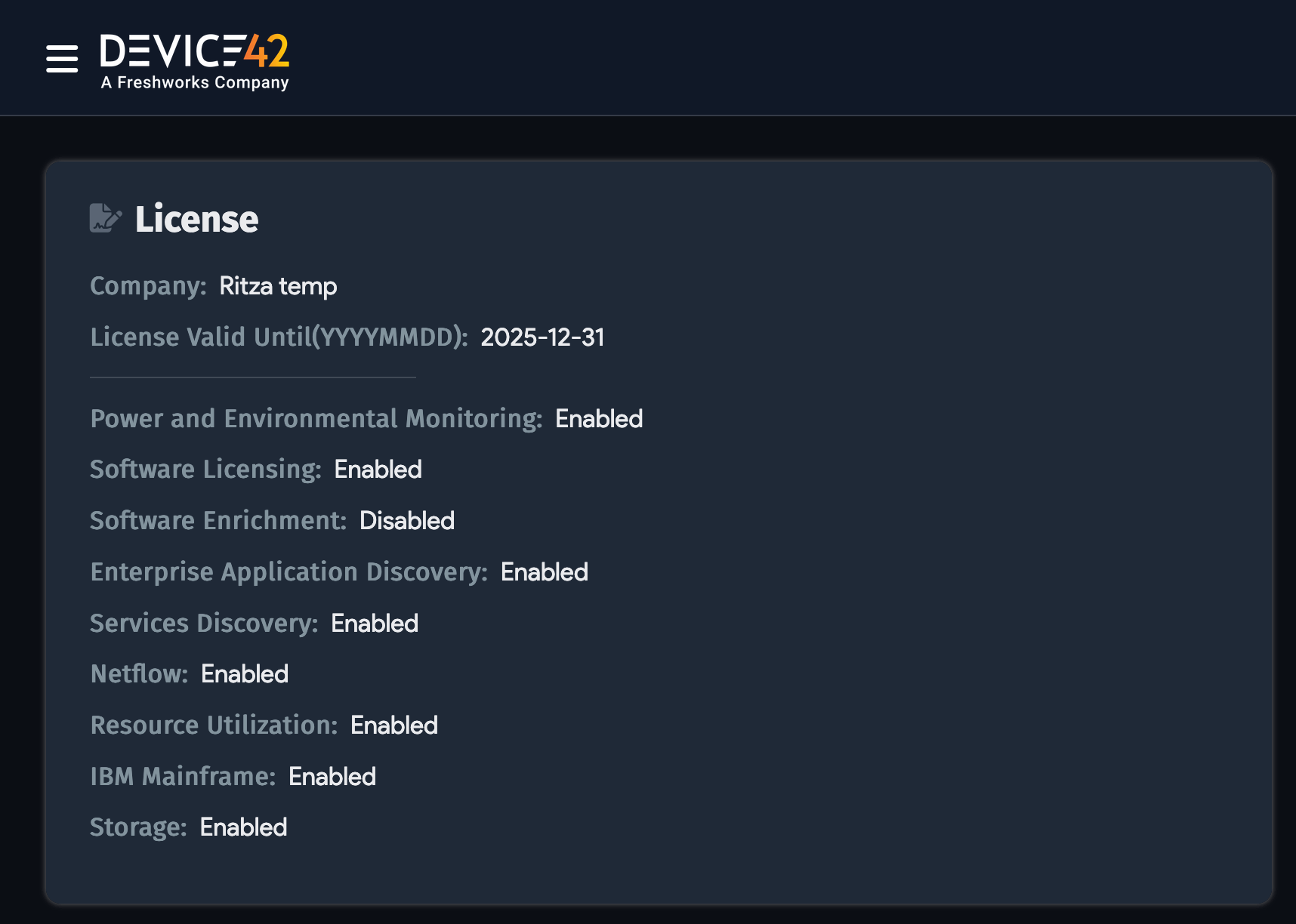
The page displays the available license modules and whether they are enabled.
Get a License
After purchasing or renewing your Device42 license, you'll receive a license file via email to upload on the Licensing page of the Main Appliance.
If you need a developer or test license, email support@device42.com.
Apply Your License
Go to the Licensing page under Tools > Settings > Licensing.
Click Browse to locate the .lic license file on your machine, then click Upload & Apply.
Return to the Main Appliance home page to register the license. If your instance has internet access, click Register Now to complete registration. If your instance doesn't have internet access, copy the registration code and email it to support@device42.com.
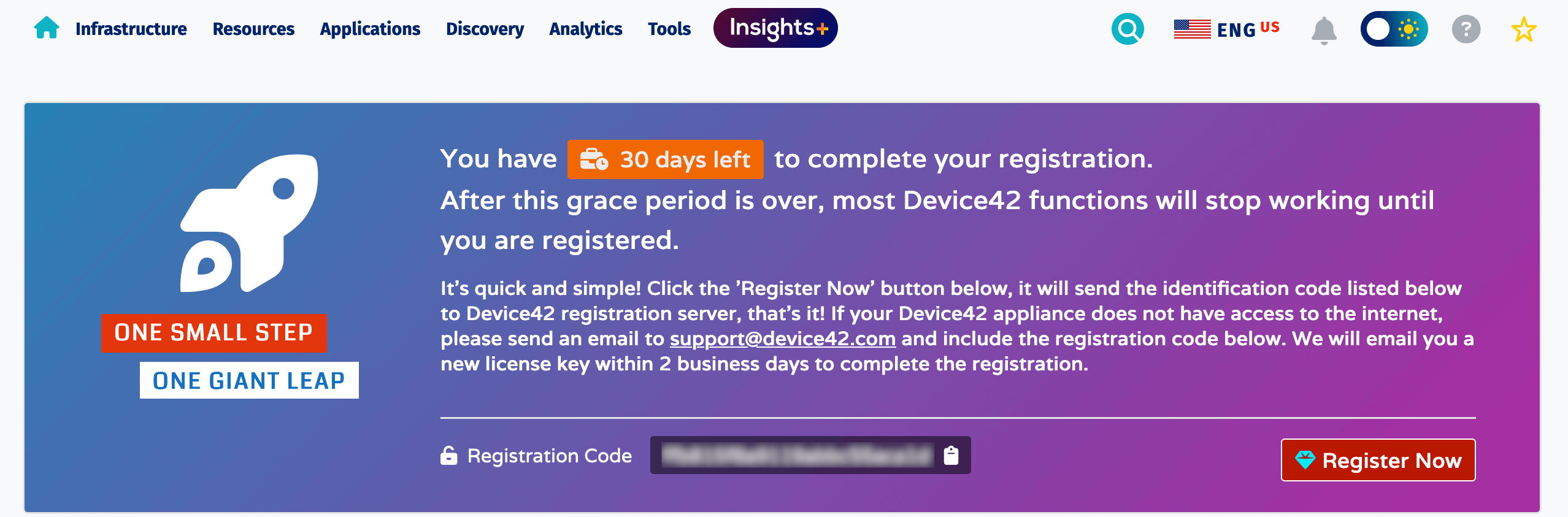
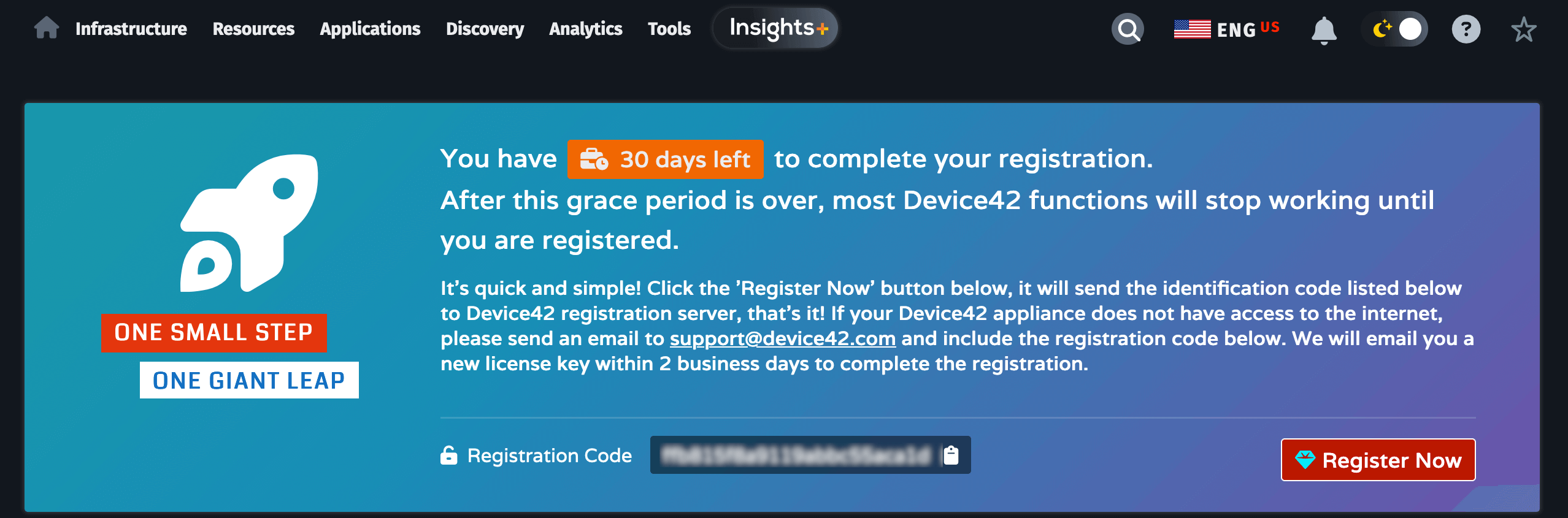
You have 30 days to complete registration, but it's best to do it right away.
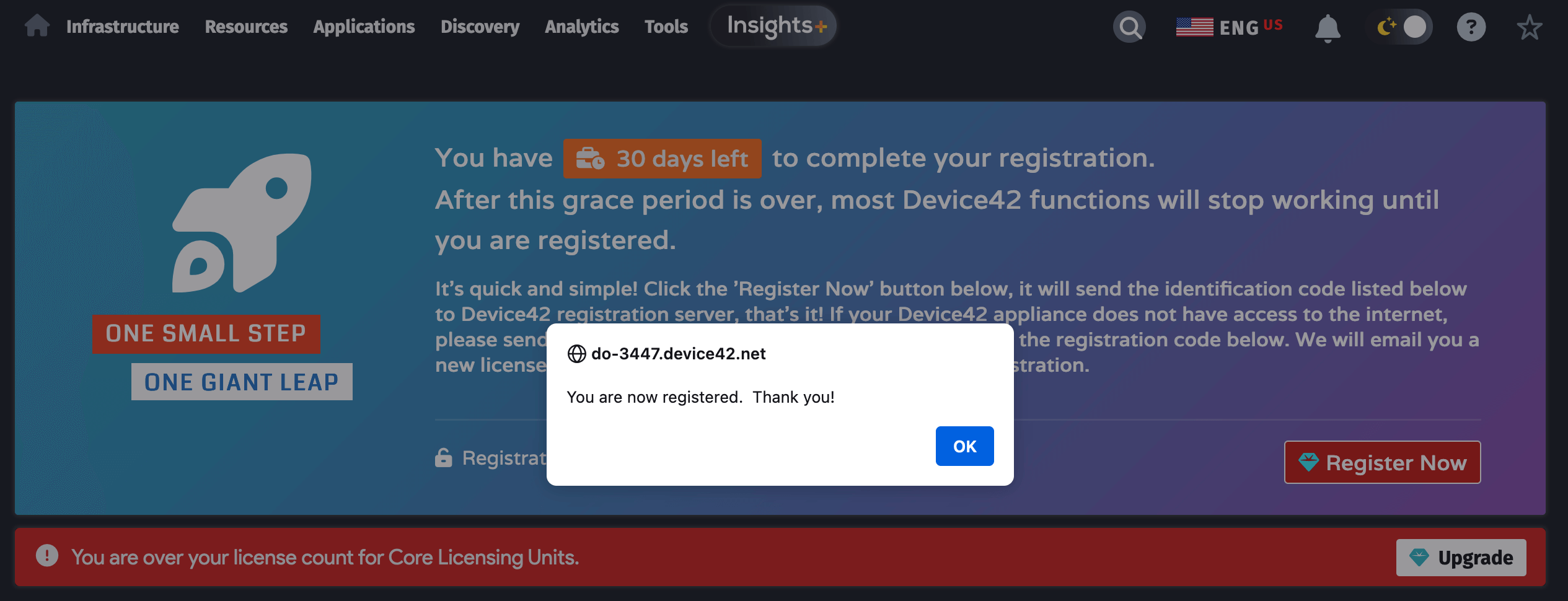
After registering your license, refresh the browser. The banner will disappear, and you'll see the updated expiration date on the Licensing page.
Check Your License Expiration Date
You can check the License Valid Until (YYYYMMDD): date on the Licensing page under Tools > Settings > Licensing.
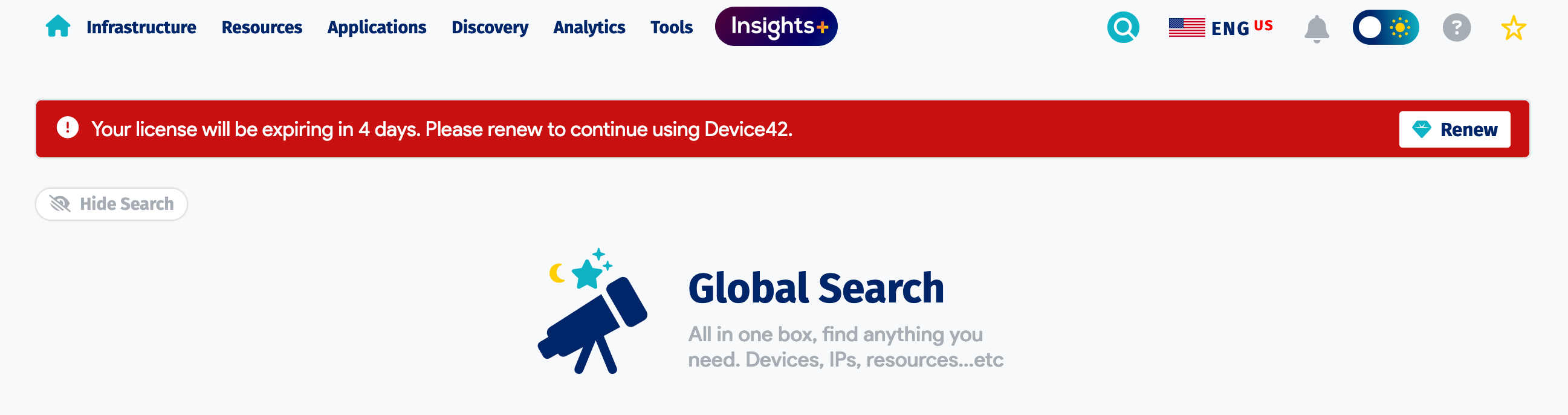
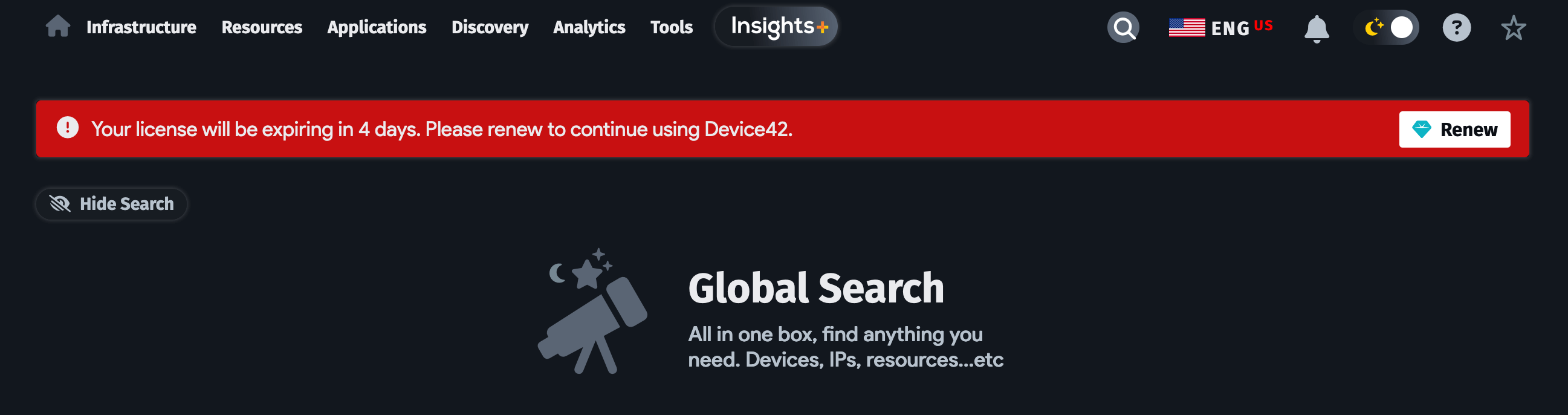
Two weeks before your license expires, a red banner appears on the Main Appliance home page with a countdown of the days remaining until expiration.
Understand License Units
Device42 has a Core license for discovery and offers additional license modules for more discovery and data retrieval capabilities.
The Core license includes discovery of physical, virtual, and cloud components, IT inventory and asset management, all out-of-the-box integrations, RESTful APIs and webhooks, warranty and SSL certificate management, cable management, password management, and IP address management.
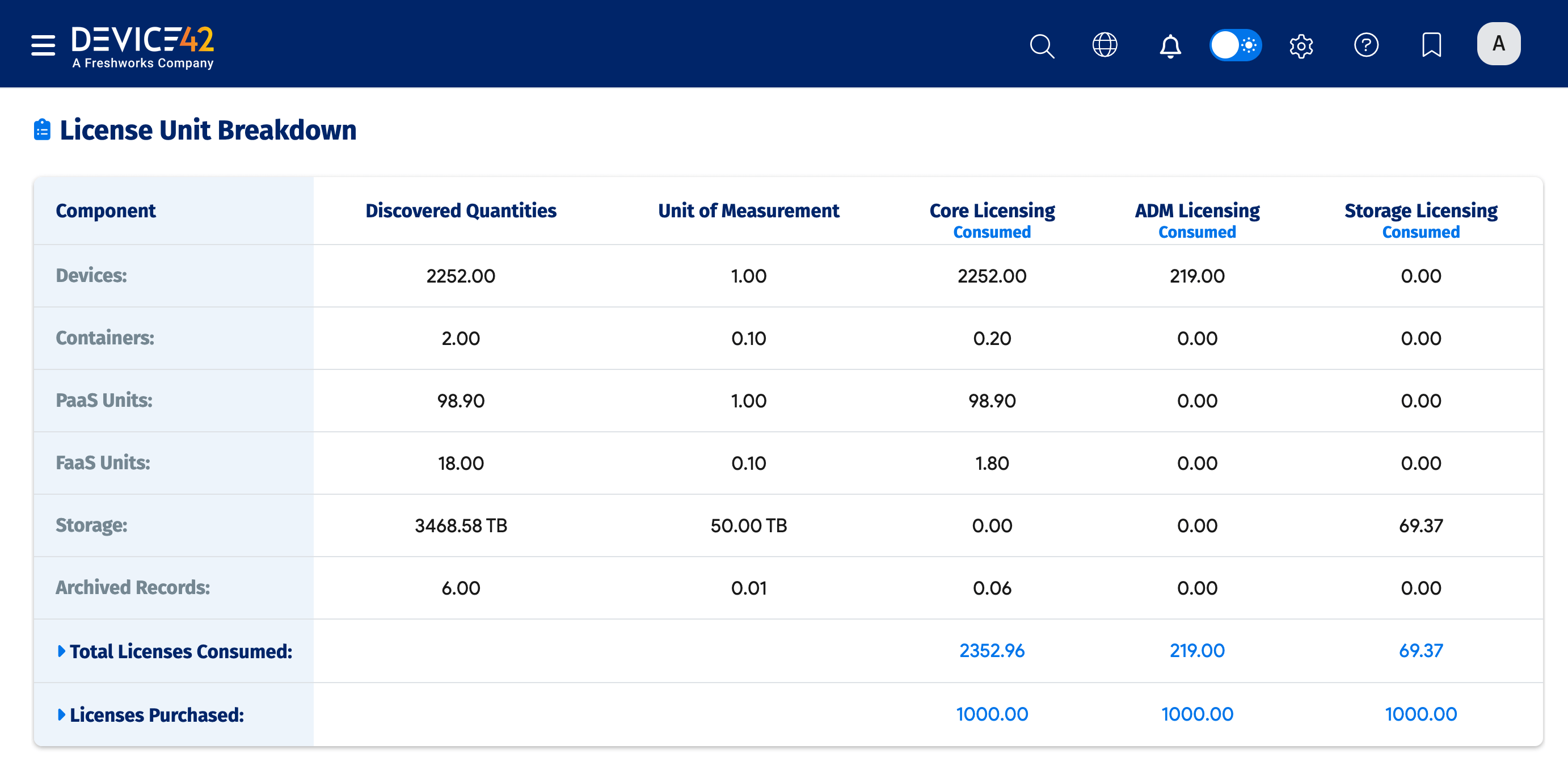
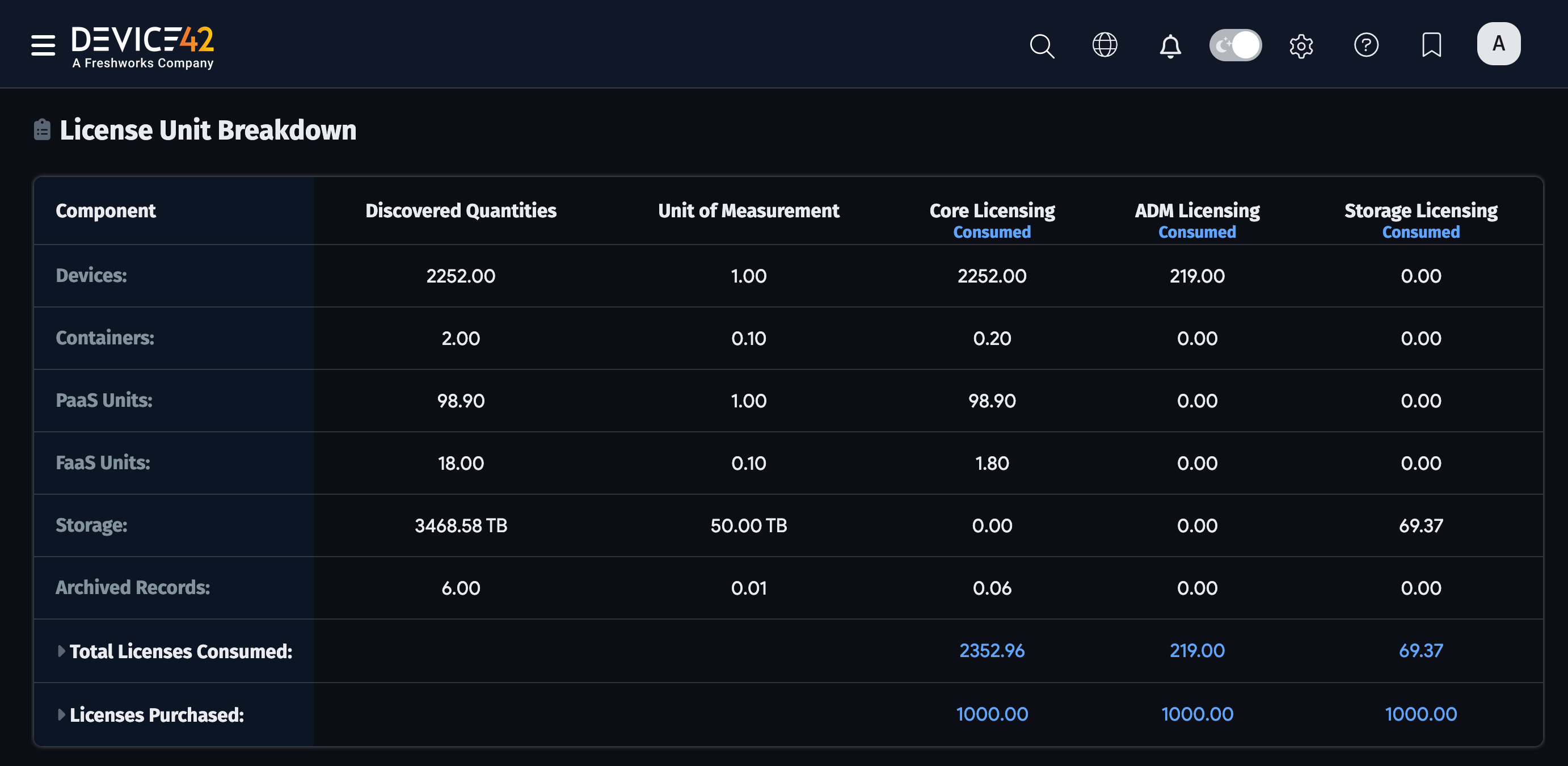
Device42 licensing is based on license units. Units are consumed at different rates depending on the type of discovered resource:
- 1 Device = 1 License Unit (1 : 1)
- 10 Containers = 1 License Unit (10 : 1)
- 1 Platform-as-a-Service (PaaS) = 1 License Unit (1 : 1)
- 10 Function-as-a-Service (FaaS) = 1 License Unit (10 : 1)
- 100 Archived Records = 1 License Unit (100 : 1)
- 50 TB Storage = 1 Storage Unit (50 TB : 1)
Storage license units are purchased separately from device units.
The lower portion of the Tools > Settings > Licensing page displays the number of purchased licenses and the number of license units consumed by the different discovered components.
For more information about Device42 Core licensing and available licensing modules, visit the Licensing/Purchasing FAQs page.