Guided Tours and Usage Information Collection
Device42 collects usage information to better assist users, prioritize future product updates, and provide guided tours of Device42 features. This page covers how to disable usage data collection or opt out of guided tours.
Disabling usage data collection also disables guided tours, since usage data is required for the tours. You can keep usage metric sharing enabled and opt out of guided tours separately.
Configure Usage Data and Guided Tours
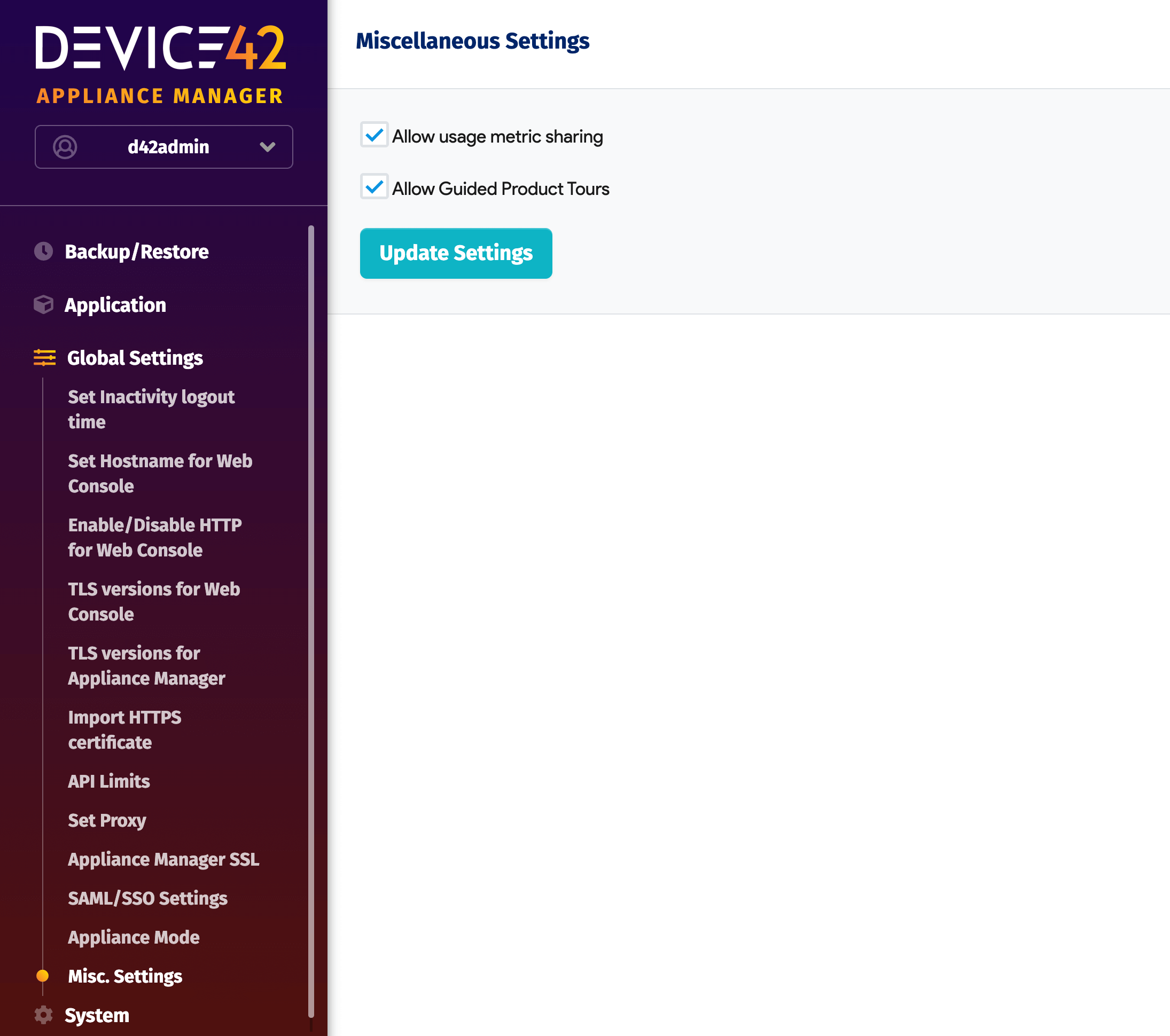
Log in to the Appliance Manager and navigate to Global Settings > Misc. Settings.
- To disable usage data collection, uncheck Allow usage metric sharing — this also disables Allow Guided Product Tours.
- To opt out of guided tours only, uncheck Allow Guided Product Tours.
- Click Update Settings to save your changes.