Enable or Disable TLS Versions from Appliance Manager
Device42 lets you restrict the TLS versions used for Appliance Manager and Web Console access. This page covers how to change the TLS version setting.
Apply TLS Version Restrictions
Log in to the Device42 Appliance Manager. See Device42 Appliance Manager Login for instructions.
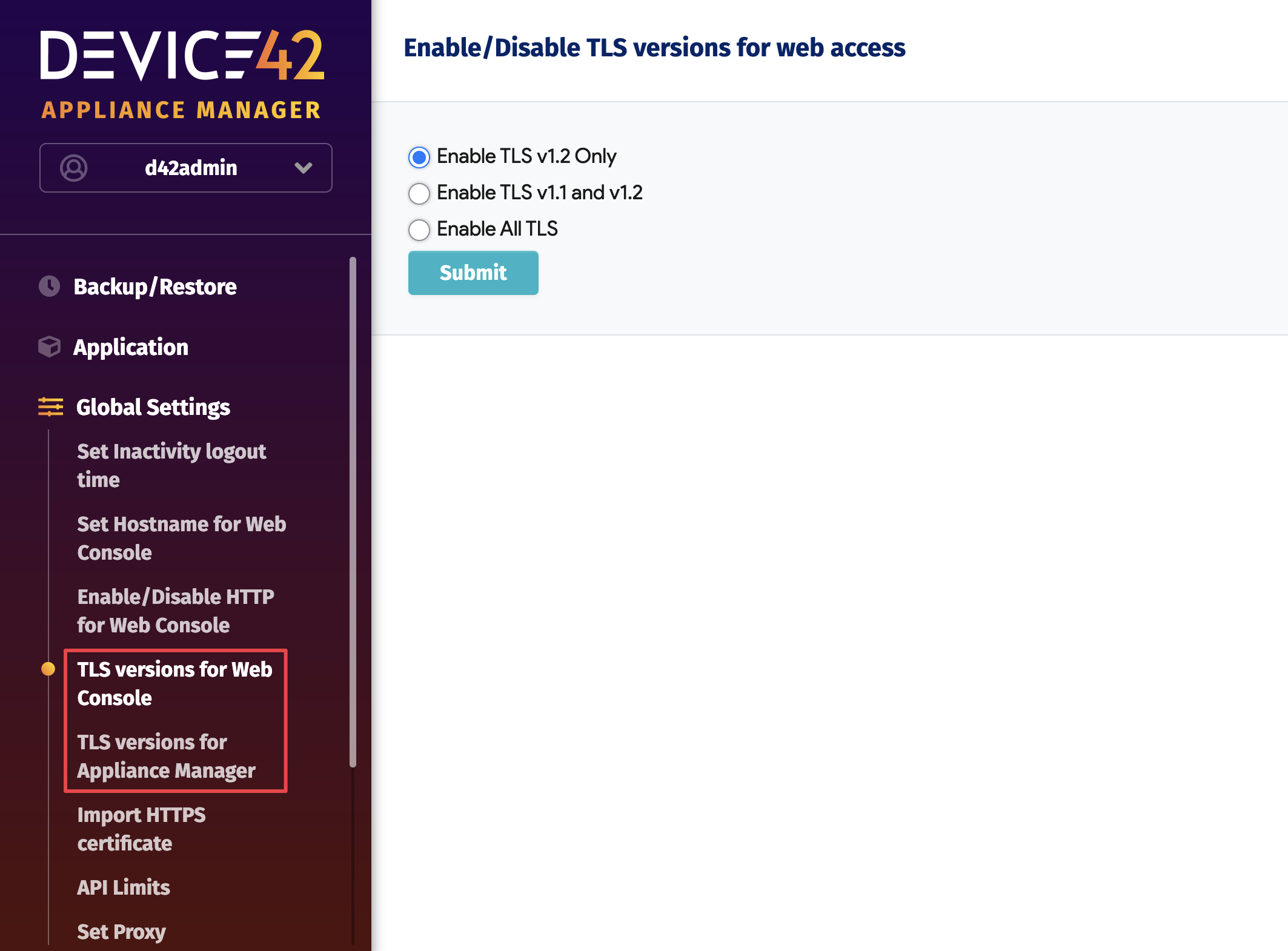
From the main menu on the left, select Global Settings, then choose TLS versions for Web Console or TLS versions for Appliance Manager.
Select the appropriate radio button and click Submit to apply your changes.
note
The Appliance Manager defaults to Enable TLS v1.2 only. You can change the setting to Enable TLS v1.1 and v1.2 or Enable All TLS.