Cloud Services Settings
The Cloud Services page configures your global external integration settings and the Enriched Data normalization feature for discovered data. The contents of this page were formerly part of the Global Settings page.
See the Cloud Connector page for an explanation of how Device42 manages communication with third-party services.
Integration Settings
Navigate to Tools > Cloud Services and click the Edit button to make changes to the Integration Settings.
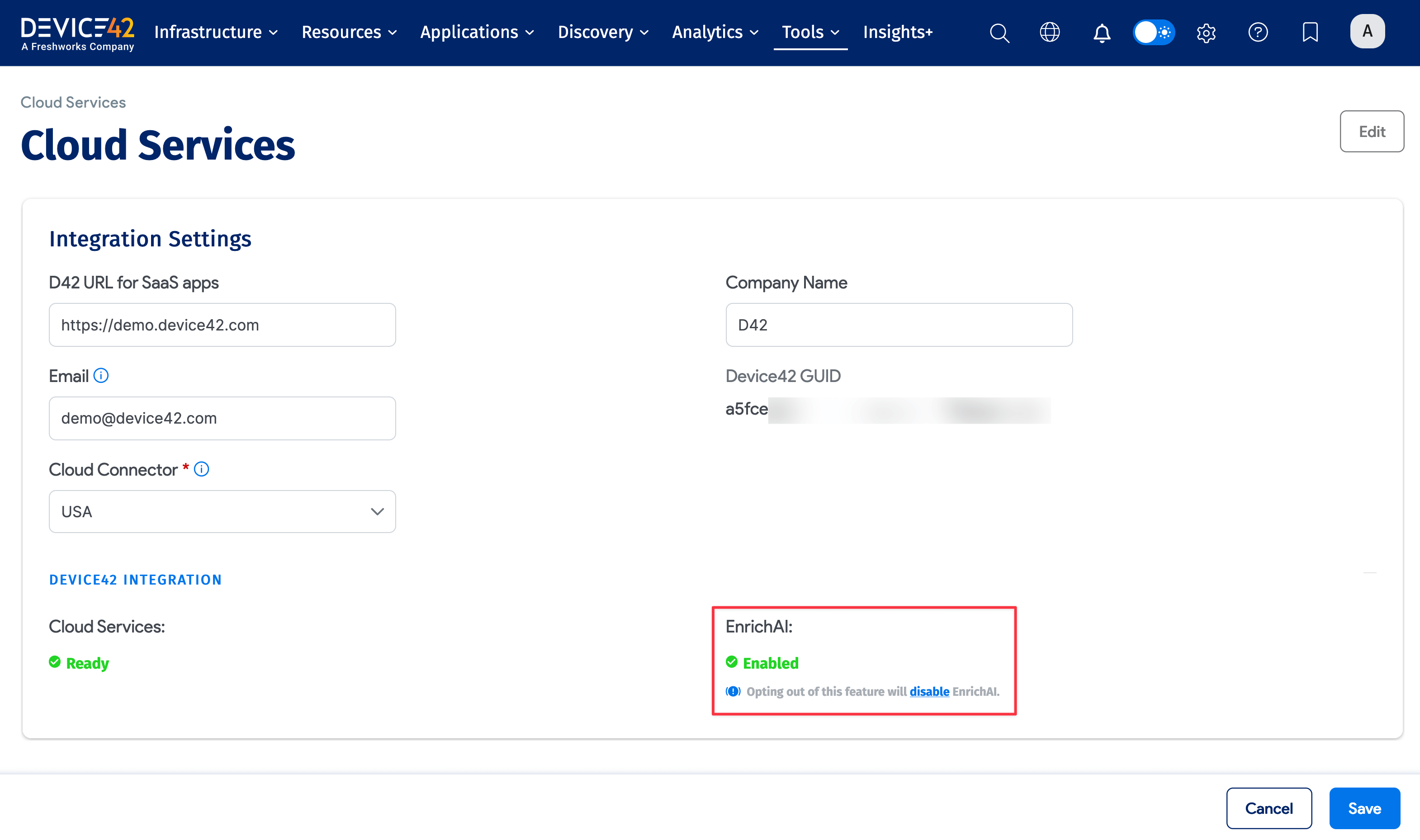
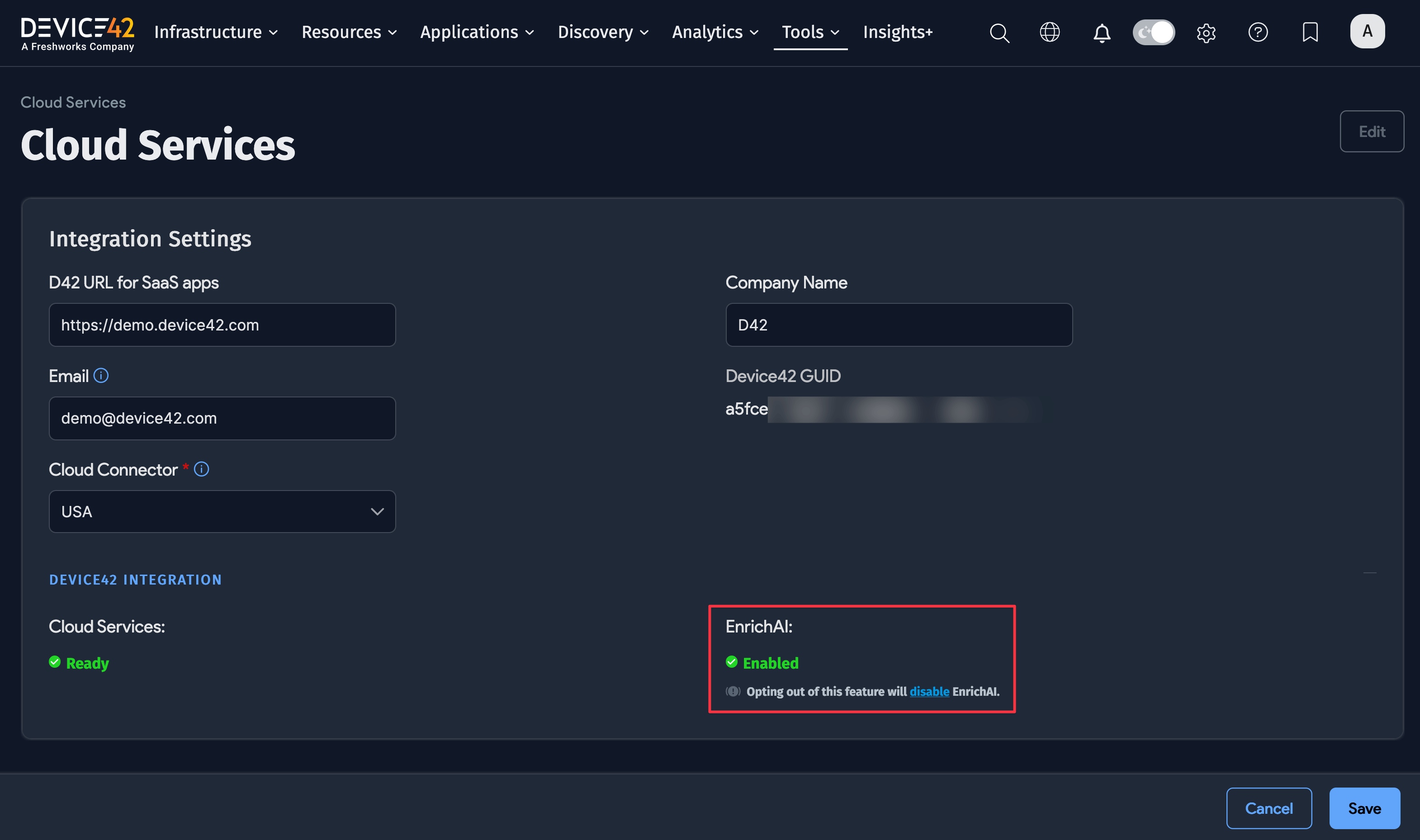
- D42 URL for SaaS apps: Your Device42 instance's URL or IP address
- Company Name: Your company name
- Email: Your email address
- Device42 GUID: GUID of your Device42 instance (read-only). Click Regenerate Instance GUID at the upper right of the page (in view mode) for a new GUID.
- Cloud Connector: Select your Cloud Connector region.
- Cloud Services: Device42 checks your license and registration status to determine whether Cloud Services are ready. Contact support@device42.com if your Cloud Services are not ready.
- EnrichAI: Enables or disables the Enriched Data integration. Click Disable and then Save to disable the service. You can re-enable it at any time.