Unprocessed Device Records
Due to the scope of Device42 discovery, duplicate items may occur. To help avoid and consolidate duplicate records, Device42 applies a proprietary matching algorithm to the unprocessed device tables.
When a new full discovery is performed, the algorithm uses various device attributes to determine potential matches with previously discovered devices. This page explains the device matching levels, the attributes used for matching, and how to handle unmatched devices.
The menu paths for these settings are different in on-premises Device42 and in Freshservice ITAM (SaaS). Each section gives both paths.
Device Matching Level
You can set the device matching level here:
- On-premises Device42: Go to Tools > Global Settings and find the Miscellaneous section.
- Freshservice ITAM (SaaS): Go to Admin > Asset Management > Discovery Hub > Discovery settings.
Device42 supports three different matching models: Classic, Moderate, and Conservative.
The following image shows the on-premises Device42 settings.
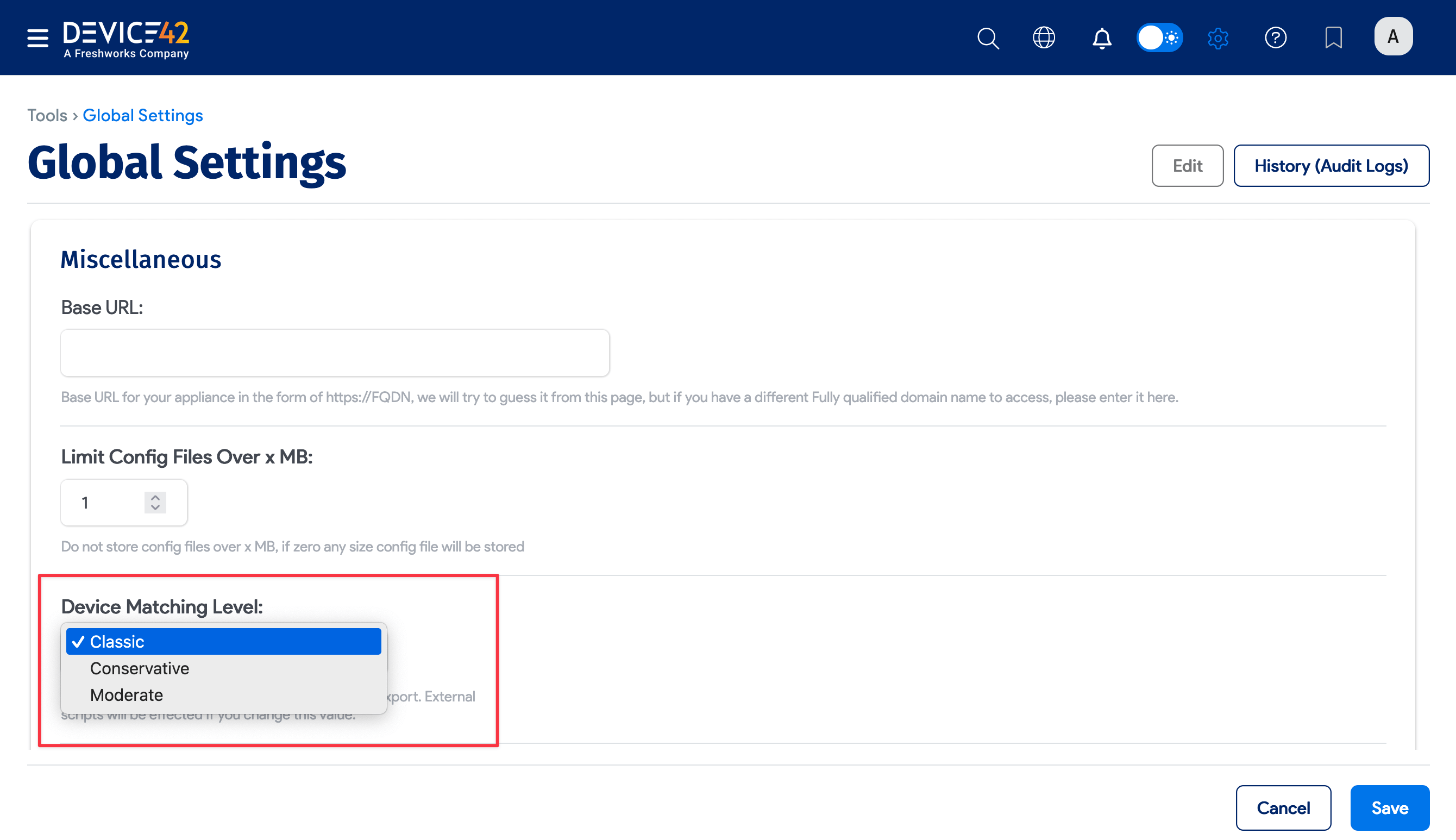
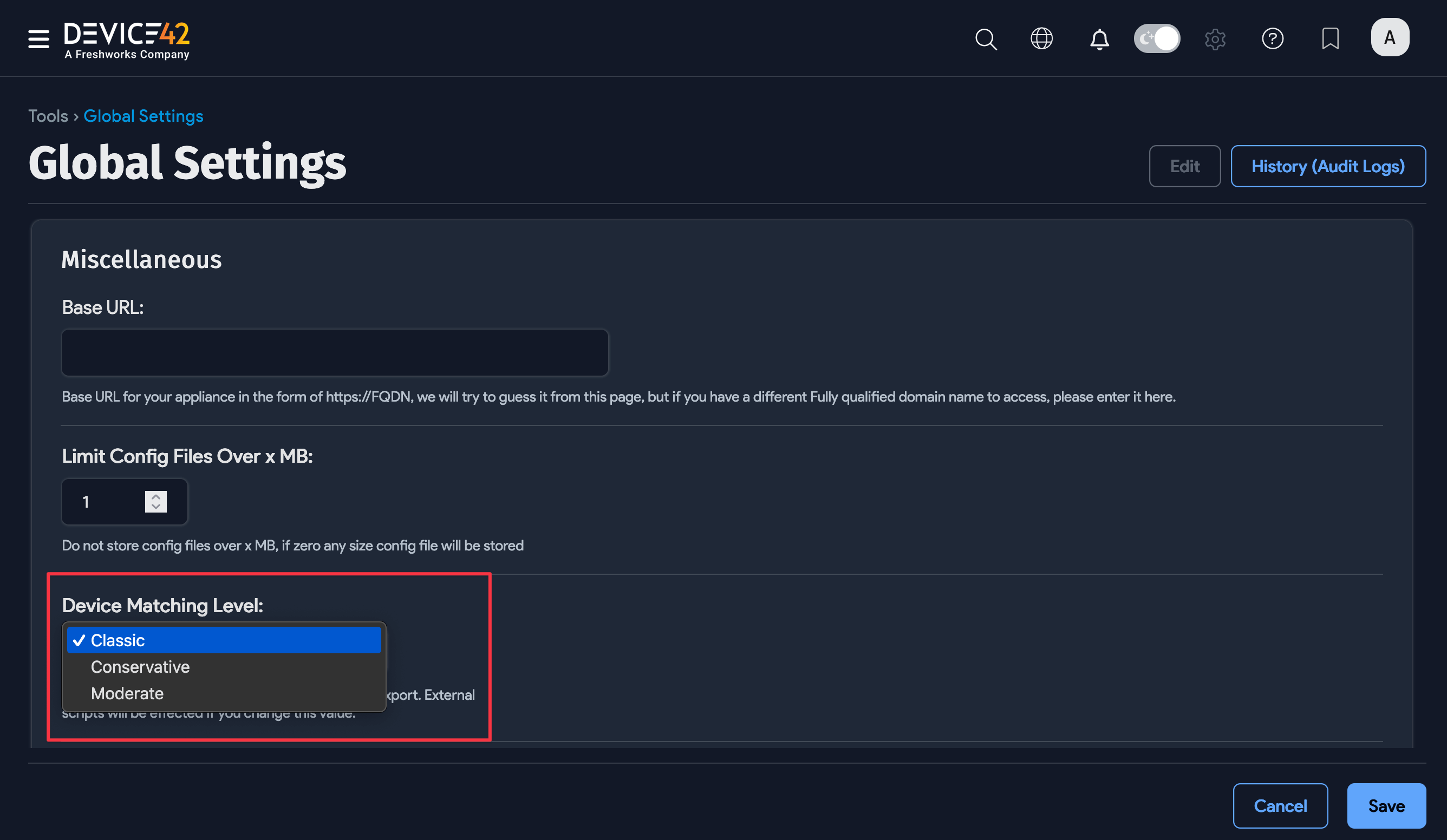
With Classic matching, Device42 checks the serial number, UUID, and name (in that order) of discovered devices against existing records to determine whether to update an existing device or create a new one.
Moderate and Conservative device matching both use various device attributes, weighted by significance, to calculate a score that determines potential matches with devices already in Device42.
These attributes include the device name, serial number, UUID, IP, and MAC addresses. See Device Attributes Used in Matching below.
A device is identified as a match when the calculated match score is equal to or greater than the selected matching level:
- Moderate: 20 points
- Conservative: 30 points
You can change the matching aggressiveness to ensure the best performance in a given environment, no matter the present state of the organization or the naming and deployment conventions in use.
Enhanced Device Matching
Enable the Enhanced Device Matching option for improved accuracy when dealing with separate devices that share the same name. The option is here:
- On-premises Device42: Tools > Global Settings > Miscellaneous
- Freshservice ITAM (SaaS): Admin > Asset Management > Discovery Hub > Discovery settings
To access this setting, which is turned off by default, select the Moderate or Conservative matching level under Device Matching Level.
The following image shows the on-premises Device42 settings.
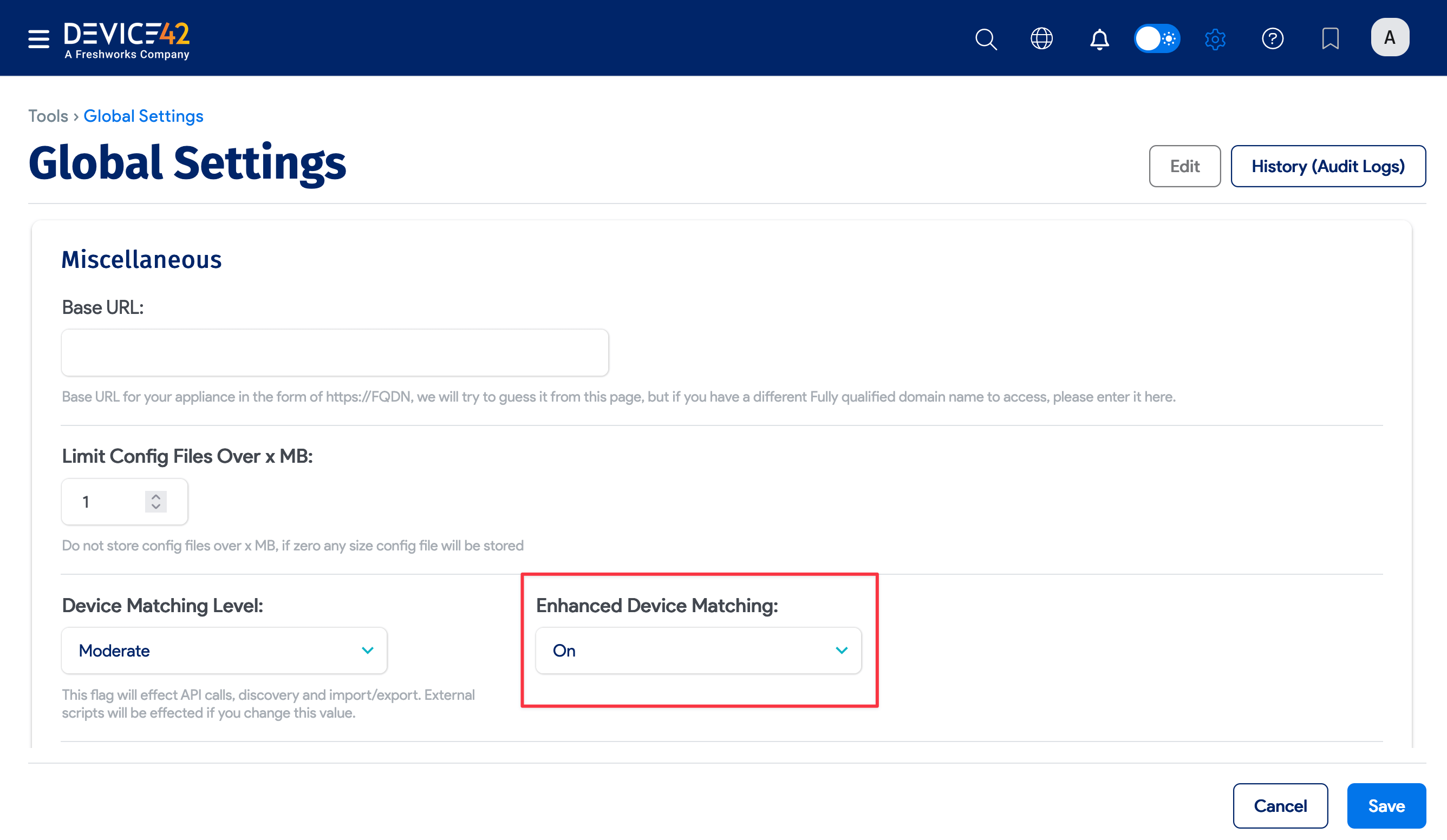
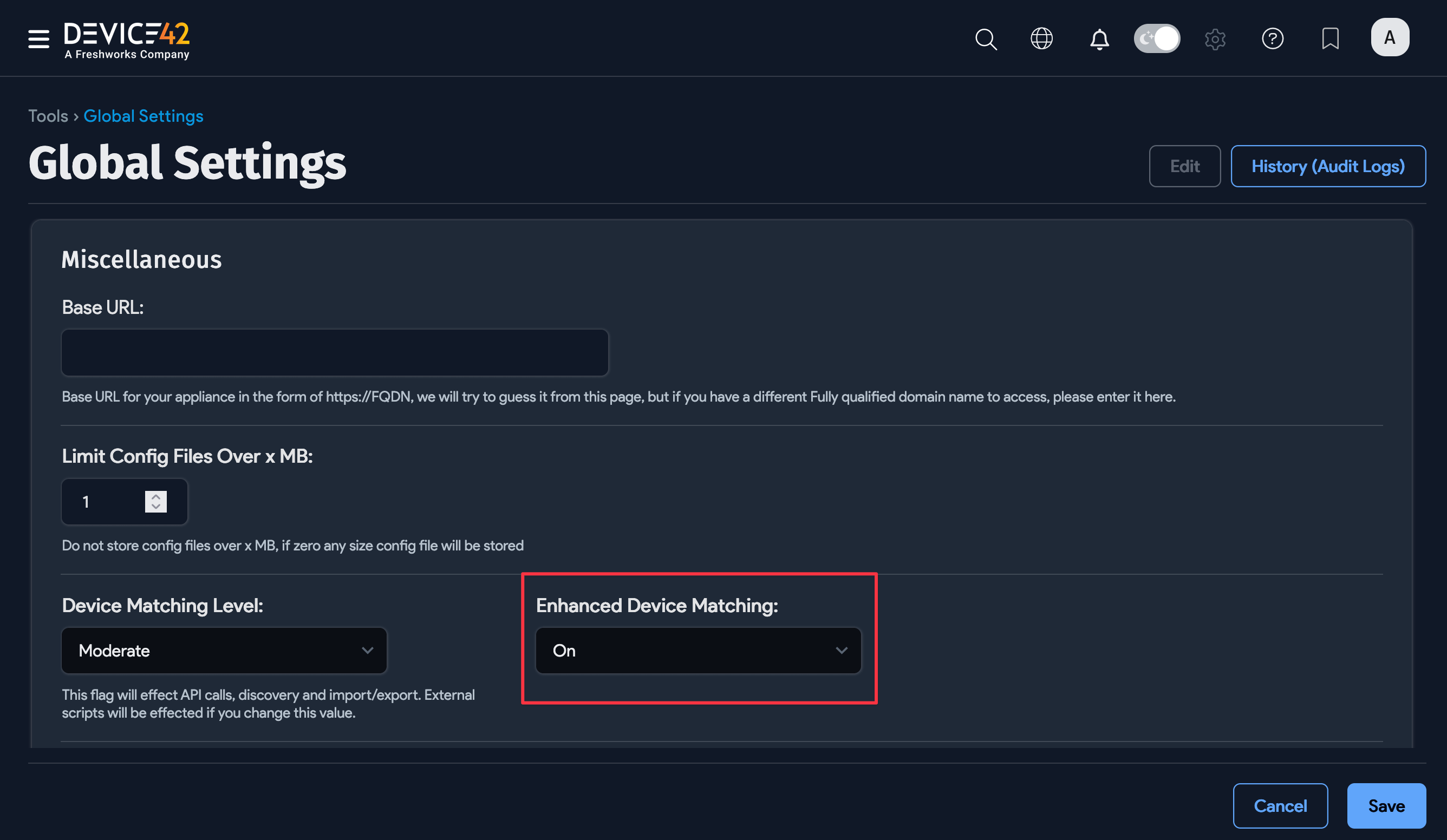
Enhanced matching also uses heuristics to determine if a potential match from Application Dependency Mapping (ADM) is correct or incorrect.
Device Attributes Used in Matching
The following device properties, ordered from most to least significant (levels 1 - 4), are used for matching:
-
Name, serial number, UUID, device aliases, cloud instance IDs
-
Discovery target IP address or FQDN
-
IP and MAC addresses
-
ID of the discovery job (for example,
jobtype-id: vserver-1)
Unmatched Devices
A device must have at least one match for a match score to be calculated. If no matches are found, the device is treated as a new device.
The advanced matching model mitigates the possibility of false positives and increases the intelligence of automatic matching, but can result in unmatched devices when score results are too low.
When devices cannot be matched with a high degree of certainty, they are flagged as unmatched devices. Find the unmatched devices here:
- On-premises Device42: Discovery > Unprocessed Device Records
- Freshservice ITAM (SaaS): Admin > Asset Management > Discovery Hub > Unprocessed device records